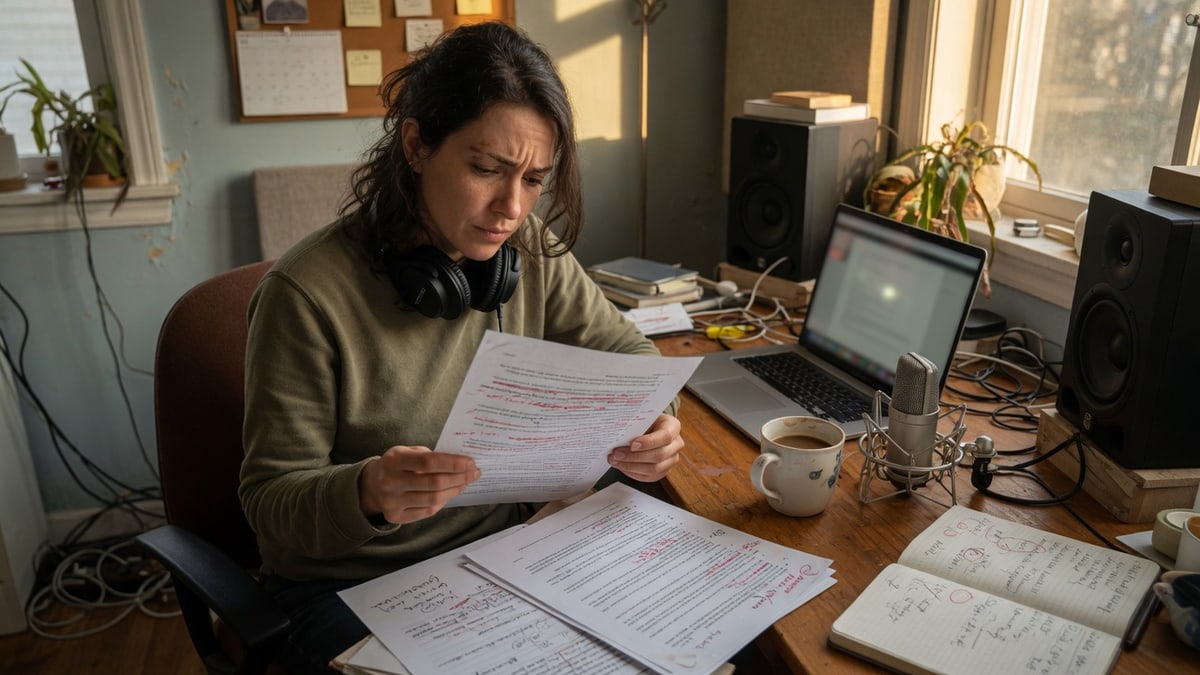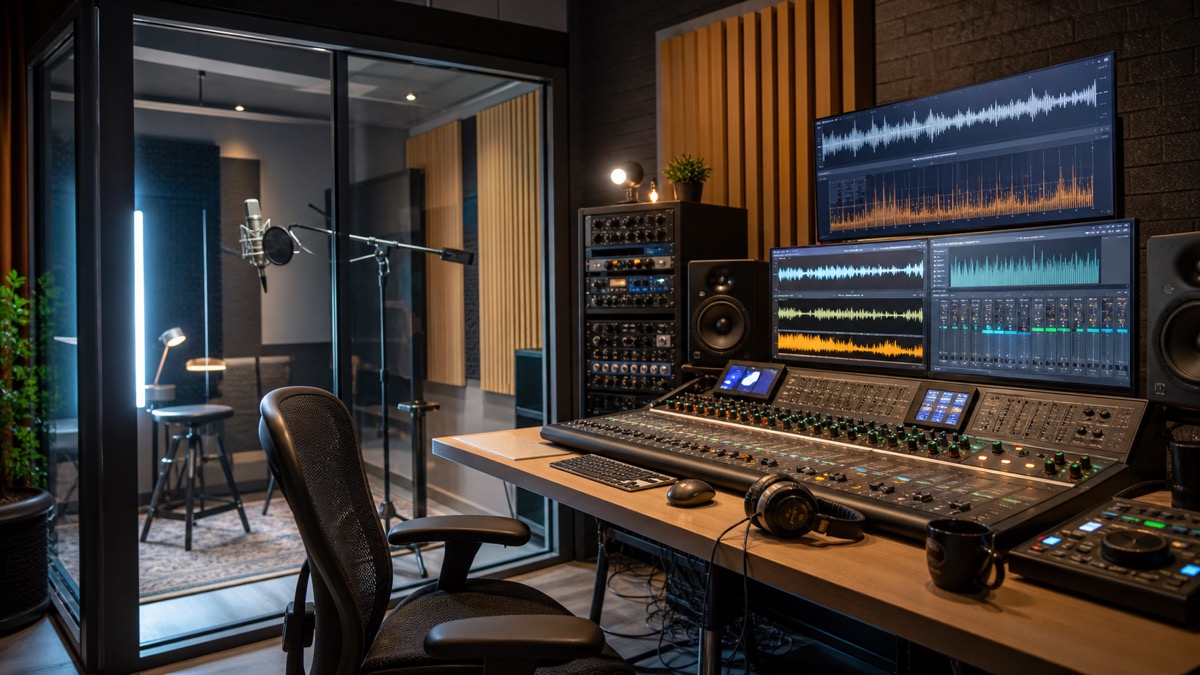
Seed Audio 1.0 is important because it changes the question from "Can AI read this script?" to "Can AI produce the whole sound of this scene?" If you already use Whisper AI for speech to text, captions, transcripts, or post-production review, Seed Audio sits on the other side of the same creator workflow: it turns written intent into voice and, increasingly, into complete audio. For teams searching for Seed Audio, text to speech, AI voice generator, Seed Audio 1.0, and ByteDance, the useful story is not only that another model can speak. The useful story is that ByteDance is trying to collapse narration, character dialogue, emotional delivery, accent control, background music, ambience, and foley into a more unified generation system.
On June 23, 2026, Chinese technology coverage reported the release of Doubao audio generation model 1.0, also described as Seed-Audio 1.0, at Volcano Engine's FORCE conference. The reported capabilities go beyond conventional text-to-speech: one generation can coordinate character dialogue, emotion, dialect or accent, background music, and foley effects. Other reports add that the model supports text and reference audio input, can generate complete audio works with multiple characters, music, and environmental sound, and is entering invitation testing through Volcano Ark. Those claims still need real-world validation outside launch demos, but they show where the category is moving.
This guide explains what Seed Audio 1.0 appears to be, how it relates to ByteDance Seed Speech and Seed-TTS, why it matters for creators, and how to evaluate it without falling for hype. It also compares Seed Audio with familiar AI voice generator and text to speech workflows, and it explains where a tool like Seed Audio fits for creators who need lifelike narration, voice cloning, multilingual TTS, or fast audio drafts today.
Quick answer: what is Seed Audio 1.0?
Seed Audio 1.0 is ByteDance's newly announced audio generation model line for producing richer audio from text and reference inputs. Traditional text-to-speech systems turn a script into spoken narration, usually one voice at a time. Seed Audio 1.0 is positioned as a broader audio model: it can generate dialogue, emotional speech, accents, ambience, background music, and foley-like sound effects as coordinated parts of a single output.
That distinction matters. Most creator workflows still treat audio as separate layers. A narrator records the voice. A music generator or licensed library provides the score. An editor adds room tone, footsteps, cloth movement, doors, weather, whooshes, and transitions. A mixer balances everything. If Seed Audio 1.0 can reliably coordinate those parts in one pass, it is closer to "text to audio scene" than ordinary text to speech.
For searchers who simply want an AI voice generator, this does not make TTS obsolete. Many jobs still need a clean voice track, not a full scene. A YouTube narration, course voiceover, product demo, or app response may be better served by a focused voice generator. But Seed Audio 1.0 shows that the top end of the category is expanding from single-track speech to multi-layer audio production.
Why ByteDance is credible in audio
Seed Audio 1.0 did not appear in isolation. ByteDance's Seed Speech team describes its mission around multimodal speech technologies, speech and audio, music, natural language understanding, and multimodal deep learning. That matters because an audio scene model needs more than a pleasant synthetic voice. It needs timing, semantic understanding, speaker consistency, emotional control, acoustic texture, and the ability to align multiple sound events.
The earlier Seed-TTS technical report gives a useful foundation for understanding this trajectory. Seed-TTS was presented as a family of large-scale text-to-speech models focused on highly natural and expressive speech, zero-shot speech in-context learning, speaker similarity, emotion control, and voice conversion. The report describes an architecture using speech tokenization, an autoregressive language model, diffusion refinement, and an acoustic vocoder. It also discusses post-training, reinforcement learning, and responsible deployment challenges.
BytePlus, ByteDance's global cloud service, already presents Seed Speech as a product family with text-to-speech, voice replication, and speech-to-text capabilities. Its SeedTTS positioning emphasizes human-like speech and voice replication, while SeedASR addresses speech recognition. The public evaluation repository for Seed-TTS also shows that ByteDance did not release model weights for safety reasons, but did release test set configuration and metric scripts for objective evaluation, including word error rate and speaker similarity.
In other words, Seed Audio 1.0 is best understood as a continuation of a broader speech and audio platform, not a random launch. ByteDance has been building the ingredients: expressive speech generation, voice continuation from short references, speech recognition, music generation research, simultaneous interpretation, and audio-video generation through the Seedance family.
From text to speech to text to audio scene
The easiest way to understand the shift is to compare three levels of generation.
Level one is standard text to speech. You enter a script. The model returns spoken audio. This is already useful for videos, ads, accessibility, voice agents, explainers, and course narration. A practical tool such as Seed Audio focuses on this layer for creators who need realistic voices, instant voice cloning with consented samples, multilingual output, and a workflow that can ship fast without managing infrastructure.
Level two is expressive voice generation. The model does not merely read the words. It can control pace, emphasis, emotion, language, accent, and speaker identity. This is where modern AI voice generators have become much more useful. A line can sound warm, urgent, nervous, playful, authoritative, tired, or intimate. For long-form work, the voice must remain consistent across chapters, episodes, or product updates.
Level three is full-scene audio generation. Here, the model understands that a script is not just words. A radio drama scene may need two speakers, distance cues, a soft room tone, rain outside, a door opening, a phone vibration, and a low musical bed. A game prototype may need NPC dialogue, footsteps, weapon handling, environmental ambience, and interface sounds. A short video may need a narrator, a transition swell, background music, and a product sound cue. Seed Audio 1.0 is being described at this third level.
The practical promise is speed. Instead of generating voice, music, and sound effects separately, then aligning and mixing them manually, a creator could describe the intended moment and receive a coordinated draft. The practical risk is control. A single mixed output may be fast, but professional teams often need stems, timing precision, editability, loudness targets, and approvals for each layer. The value of Seed Audio 1.0 will depend on whether it can provide both integrated generation and enough downstream control.
What Seed Audio 1.0 claims to handle
Based on launch coverage, Seed Audio 1.0 is being positioned around three core capabilities.
The first is one-pass generation of multiple audio layers. Reports describe support for character dialogue, emotional tone, dialect or accent, background music, and foley effects in one generation. For creators, this is the headline. It turns a written prompt into something closer to a finished audio scene instead of a raw voiceover.
The second is a link between text-generated audio and reference audio. This matters for long-form work. Audiobooks, serialized podcasts, educational courses, and audio dramas cannot have a character's voice drifting from episode to episode. If a reference clip can anchor a voice or style across new generations, it reduces the amount of retake and repair work.
The third is zero-shot multimodal reference. Some reports say users can describe sound characteristics in text and have the model infer matching audio features, even without an explicit sample. That could help small teams create fictional voices, ambience, and sound design directions without recording custom references. It is also the hardest claim to evaluate because text descriptions of sound are inherently fuzzy. "A middle-aged narrator with a slightly rough voice and a southern accent" can describe thousands of different voices.
These capabilities are meaningful, but the best stance is cautious interest. Launch demos are selected. Production work is repetitive and unforgiving. A model that sounds impressive once still needs to handle revisions, edge cases, names, languages, accents, quiet speech, overlapping dialogue, bad prompts, long-form consistency, and licensing constraints.
What creators can actually use it for
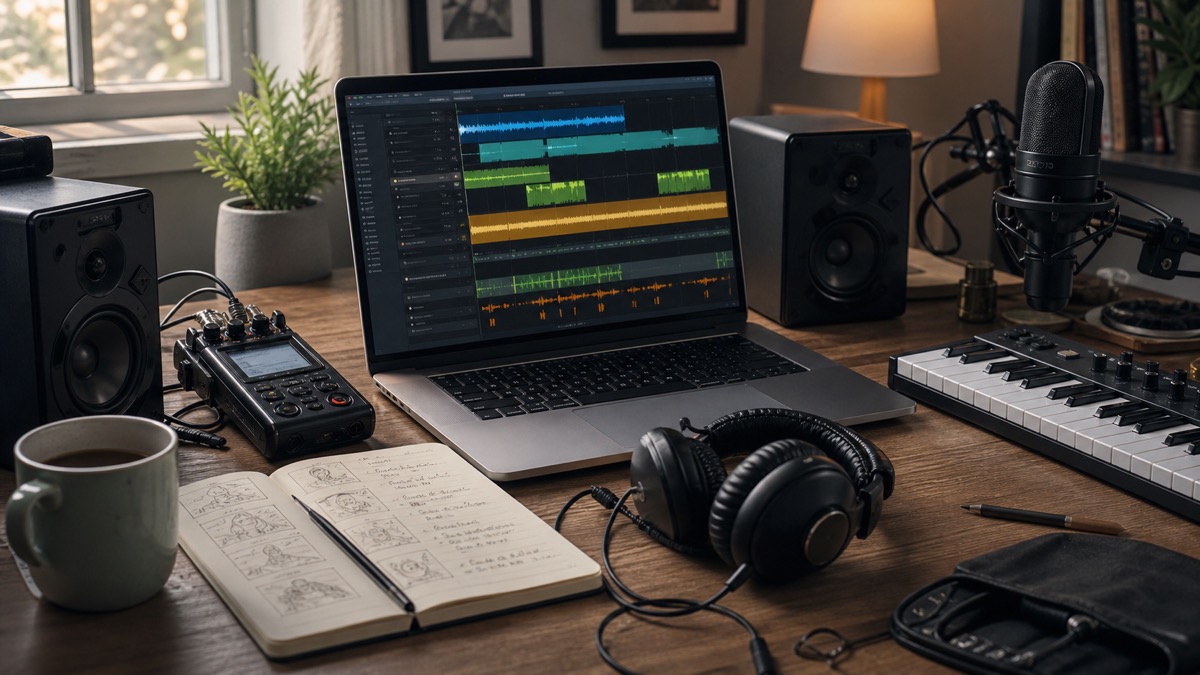
The most obvious use case is pre-production. A director, podcaster, game designer, or course creator can test the sound of a scene before hiring voice talent, searching music libraries, or booking a studio. A prompt can become a rough audio storyboard. Even if the final version is human-recorded, the AI draft helps the team make decisions earlier.
The second use case is short-form production. Social videos, product ads, trailers, mobile game prototypes, explainer clips, and internal demos often need audio quickly. A single-pass generator can create a usable direction faster than a traditional multi-role workflow. Teams can then decide which parts are good enough and which need manual replacement.
The third use case is localization. AI voice generation already helps creators produce narration in multiple languages. If Seed Audio-style models can coordinate translated dialogue, culturally appropriate voice direction, background tone, and timing, localization becomes less like swapping a voice track and more like adapting a scene. This is especially relevant for creators publishing across TikTok, YouTube, podcasts, games, and learning platforms.
The fourth use case is audio drama and fictional content. Multi-character dialogue is painful to produce at scale. You need casting, direction, recording, editing, and continuity. A model that keeps characters distinct and emotionally coherent could help writers prototype scenes, test pacing, and produce low-budget episodes. The highest-quality productions will still benefit from human actors and sound designers, but the early draft process can change dramatically.
The fifth use case is accessibility and product voice. Apps, voice agents, IVR systems, learning products, and accessibility tools need consistent speech at scale. For those jobs, full-scene audio may be less important than stable low-latency TTS. Still, the same research direction improves expressiveness, accent handling, and context-aware delivery.
Seed Audio versus regular AI voice generators
Most AI voice generators optimize for a single voice track. That is not a weakness. It is exactly what many workflows need. A clean voiceover should be editable, predictable, and easy to mix with video. It should pronounce names correctly, maintain consistent volume, and allow quick line-level regeneration. For business content, the best output is often invisible: the listener should focus on the message, not the synthesis.
Seed Audio 1.0's broader pitch is different. It is about audio composition, not only narration. That makes it exciting for creative media, but it also changes the acceptance criteria. A voice generator can be judged by naturalness, pronunciation, speaker similarity, latency, language coverage, and price. A scene generator must also be judged by layer balance, event timing, music appropriateness, ambience realism, emotional continuity, and whether the mix remains editable.
For a creator team, the right question is not "Which is better?" The right question is "Which job am I trying to finish?" If you need a clear product narration, a dedicated text to speech workflow may be the simplest choice. If you need a rough cinematic audio scene, Seed Audio 1.0's one-pass concept is more relevant. If you need final broadcast audio, you may want AI generation for drafts and human review for the master.
The technical idea in plain English
Modern speech generation is not just waveform prediction. A strong system usually has a way to represent speech as tokens or latent features, a model that predicts the next sequence from text and audio conditions, and a decoder or vocoder that turns the internal representation into listenable audio. Seed-TTS publicly described a pipeline with speech tokens, a token language model, diffusion refinement, and an acoustic vocoder. That architecture is useful because it separates linguistic planning, speaker/style conditioning, acoustic detail, and waveform production.
Seed Audio 1.0 likely extends the challenge. A full-scene audio model has to model not only speech but also non-speech sound. Dialogue has syllables, timing, emotion, and speaker identity. Music has harmony, rhythm, arrangement, and structure. Foley has physical timing and texture. Ambience has continuity and spatial cues. A single model or coordinated model system must decide what happens when, how loud each element is, and how the layers relate to the user's prompt.
This is why "one prompt to finished audio" is harder than it sounds. If a prompt says, "Two friends whisper in a subway station while a train arrives and tense music rises," the system must understand the scene. Whispered dialogue should remain intelligible. Train noise should not drown the words. Music should support tension without covering speech. The train should arrive at a plausible time. The reverberation should fit the location. These are production decisions, not just speech synthesis decisions.
Workflow: how a creator team should evaluate Seed Audio
Start with a short, realistic scene. Do not evaluate a new audio model on a full episode or a complicated brand campaign. Use a 20 to 40 second prompt with two characters, one clear emotion, one background ambience, and one foley moment. For example: "A calm narrator introduces a hiking trail at dawn. Soft wind, distant birds, and one backpack zipper sound. Warm but not dramatic music underneath."
Next, judge the output by role. Is the speech understandable? Does the voice match the intended character? Does the background support the content rather than distracting from it? Are the sound effects timed naturally? Does the music leave space for the dialogue? If the answer is no, revise the prompt and test again.
Then check editability. Can you regenerate only one line? Can you change the emotion without changing the whole voice? Can you export stems or only a mixed file? Can you keep a character voice consistent across multiple prompts? Can you lock pronunciation? These questions matter more than the first impressive demo.
Finally, run the generated audio through review tools. Use speech to text to check whether the dialogue is intelligible. With Whisper AI, a creator can transcribe generated dialogue, compare it to the script, make captions, and find lines that need rewriting. If a transcript repeatedly misses a phrase, your audience may miss it too.
Prompting tips for better AI audio
Good audio prompts are concrete. Instead of writing, "make a cinematic scene," specify the scene, speaker roles, emotion, timing, and sound layers. A better prompt might say: "Generate a 30 second podcast cold open. Speaker one is a curious host with a calm voice. Speaker two is an excited guest. Add a quiet studio room tone, a subtle intro music bed for the first eight seconds, and no sound effects after the dialogue begins."
Separate the layers in your prompt. Name the voice layer, music layer, ambience layer, and foley layer. If the tool supports structured prompts, use section labels. If it only accepts natural language, write short sentences instead of one dense paragraph.
Define what should not happen. If dialogue clarity matters, say the music must stay low under speech. If you do not want celebrity imitation, say the voice should be fictional and not based on a real person. If you need a dry voice track, say no reverb, no background music, and no ambience.
Use reference audio responsibly. Reference clips can help consistency, but only use voices, music, or sounds you have the right to process. A consented brand narrator sample is different from a scraped celebrity clip. For commercial work, keep records of prompt text, reference sources, export dates, and tool settings.
Risks, rights, and safety
Voice generation is powerful because voice feels personal. A model that can clone tone, emotion, accent, and speaking style can also be misused. The Seed-TTS public repository notes that source code and model weights were not released due to AI safety considerations. That is a reminder that audio generation is not only a creative tool; it is also an identity and trust problem.
Creators should follow a few practical rules. Do not clone a real person's voice without clear permission. Do not imply that a real person said something they did not say. Do not use generated voices for fraud, impersonation, or political deception. Label AI-generated audio when the context requires it. Store consent records for custom voices. Review platform policies before publishing.
Music and sound effects introduce another layer. If a system generates music "in the style of" a living artist, that may create brand, copyright, or publicity problems. Safer prompts describe mood, instrumentation, tempo, and scene function without naming a protected artist. For commercial projects, check the provider's output rights and enterprise terms.
There is also a quality risk. AI audio can sound smooth while hiding mistakes. Names may be mispronounced. Foreign phrases may be wrong. Accents may become caricatures. Emotional delivery may conflict with the script. A generated mix may sound good on headphones and bad on phone speakers. Human review remains part of responsible production.
Where Seed Audio fits in the creator stack
Think of Seed Audio as part of a wider loop: write, generate, transcribe, edit, publish, and analyze. Text starts the process. Audio generation turns the text into a draft. Speech to text checks clarity and creates captions. Human review fixes meaning, timing, and brand fit. Publishing turns the output into a video, podcast, lesson, ad, or product interaction.
That loop is more important than any single model. A model may generate a beautiful voice, but the workflow determines whether the result is useful. Can your team version prompts? Can you keep approved voices organized? Can you regenerate only changed lines? Can you create subtitles? Can you audit consent? Can you measure whether listeners understand the message?
This is also where focused tools still matter. A creator may use a hosted AI voice generator for production voiceovers, a scene generation model for concepting, Whisper AI for transcripts and captions, a DAW for final mixing, and a review process for legal approvals. The winners will be workflows that make AI audio controllable, reviewable, and repeatable.
What to watch next
The first thing to watch is availability. Some reports say Seed Audio 1.0 is entering invitation testing through Volcano Ark and may later connect to products such as CapCut, Dreamina, or other ByteDance creator tools. Availability, pricing, latency, language coverage, and export controls will determine how quickly creators can actually use it.
The second thing to watch is output structure. A mixed two-minute audio file is useful for demos. Separate voice, music, ambience, and foley stems are much more useful for professional production. Teams will want partial regeneration, locked character voices, pronunciation dictionaries, loudness targets, and project-level version history.
The third thing to watch is evaluation. Seed-TTS had public evaluation framing around word error rate and speaker similarity. Full-scene audio needs broader evaluation: dialogue intelligibility, event timing, music fit, ambience continuity, spatial realism, safety filters, and human preference over repeated tasks.
The fourth thing to watch is the competitive response. ElevenLabs, Suno, Adobe, Google, OpenAI, Tencent, Alibaba, Kuaishou, and other AI media platforms all have reasons to move toward more unified audio workflows. ByteDance's advantage is that it owns major creator products, recommendation surfaces, cloud infrastructure, and a strong multimodal research pipeline. The product question is whether those pieces become an accessible, reliable workflow for creators outside carefully staged demos.
FAQ
Is Seed Audio 1.0 the same as text to speech?
No. Text to speech converts written text into spoken audio. Seed Audio 1.0 is being positioned as a broader audio generation model that can coordinate dialogue, emotion, accents, music, ambience, and foley effects. It includes TTS-like capabilities, but the larger idea is full-scene audio generation.
Who developed Seed Audio 1.0?
Seed Audio 1.0 is associated with ByteDance's Doubao and Seed ecosystem. ByteDance's Seed Speech team has previously published work on Seed-TTS, SeedASR, speech interpretation, music generation, and other multimodal speech technologies.
Can Seed Audio 1.0 replace voice actors and sound designers?
It can reduce the cost of drafts, prototypes, localization tests, and some production tasks. It should not be treated as a universal replacement for performers, editors, or sound designers. Final commercial work still needs creative direction, consent, rights review, quality control, and often human performance.
What is the difference between Seed Audio and an AI voice generator?
An AI voice generator usually creates one or more speech tracks from text or a voice reference. Seed Audio 1.0 aims at a larger scope: speech plus other sound layers. For simple narration, a focused AI voice generator may be faster and easier. For a scene with dialogue, music, ambience, and foley, Seed Audio 1.0's direction is more relevant.
How should creators test Seed Audio-style tools?
Use short scenes, compare outputs against the script, test multiple prompts, check whether voices stay consistent, and verify that the audio remains editable. Transcribe dialogue with a tool like Whisper AI to see whether important lines are understandable.
Is it safe to clone voices with Seed Audio or other tools?
Only clone voices when you have explicit permission and the provider's terms allow your intended use. Do not clone celebrities, employees, customers, friends, or creators without consent. Keep records for commercial work.
Final takeaway
Seed Audio 1.0 signals a larger shift in generative audio. The market is moving from robotic readers to expressive AI voice generators, and now from single voice tracks to complete audio scenes. ByteDance has credible speech research behind that move, and the reported Seed Audio 1.0 capabilities point toward faster production for podcasts, audiobooks, short videos, games, ads, and interactive products.
The right response is neither blind hype nor dismissal. Treat Seed Audio 1.0 as a sign of where the workflow is heading: text prompts and reference audio becoming a production interface for voice, music, ambience, and foley. Use focused text to speech tools when you need clean narration. Use scene generation when you need fast creative audio drafts. Use transcription and human review to keep the result understandable, ethical, and publishable.
For creators, the practical next step is simple: write a short scene, generate an audio draft, transcribe it, revise the unclear parts, and keep only the versions you can legally use. That loop is where AI audio becomes production, not just a demo.