
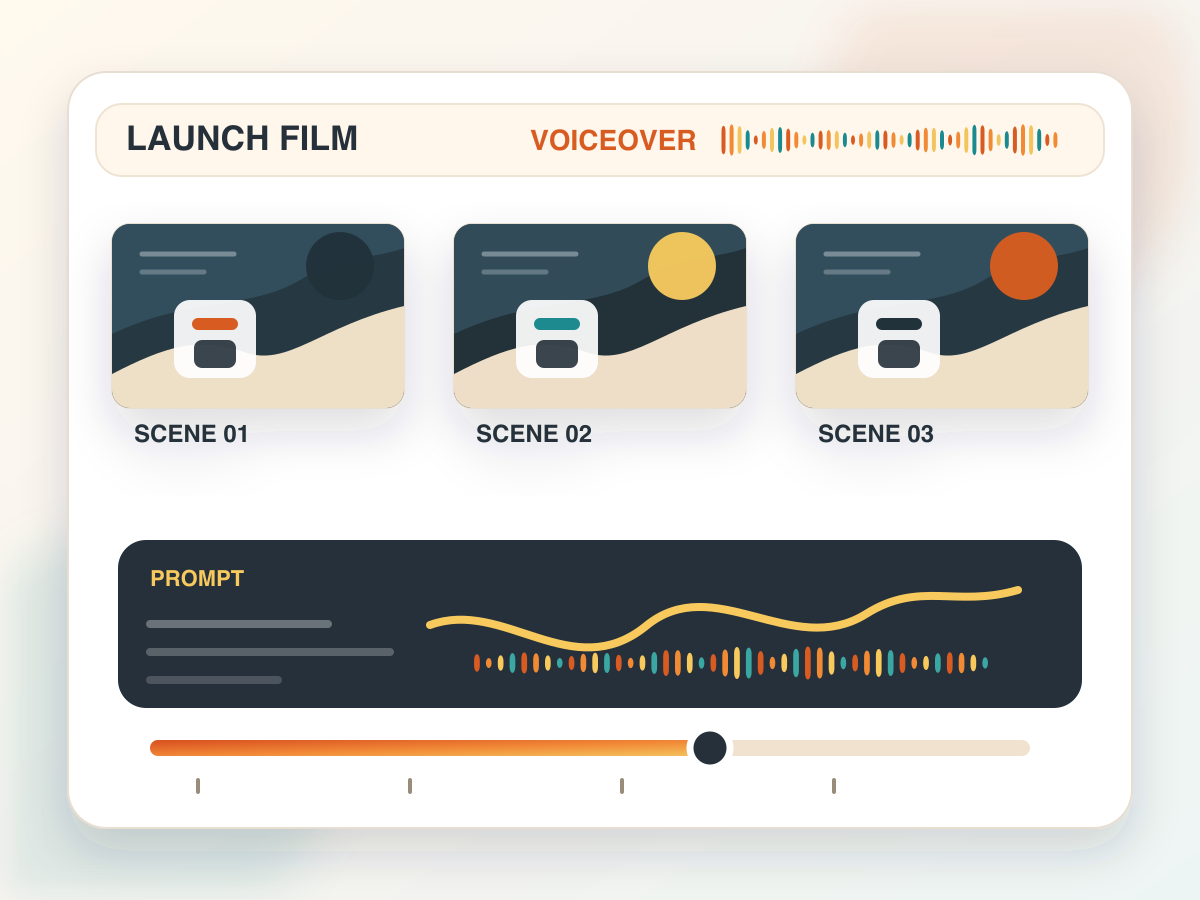
Storyboard product voiceover
Plan a SaaS launch film with scene beats, prompt direction and a generated voiceover timeline in one reviewable board.
Explore seed audio 1.0 with a request builder for prompts, voices, reference audio, image guidance, output formats and delivery controls.
Interactive Seed Audio 1.0 UI
Use @Audio1, @Audio2 and @Audio3 when the prompt should refer to ordered audio references.
Reference audio and image reference cannot be combined. Choose one reference type or none.
This demo validates the request shape and keeps provider calls disabled until server-side billing and usage controls are configured.
Payload preview
{
  "prompt": "Create a calm product walkthrough voiceover. Mention that Seed Audio 1.0 can use text, reference audio or an image as guidance.",
  "voice": "vivi_mixed_en_zh_ja_es_id",
  "output_format": "mp3",
  "sample_rate": 24000,
  "speed": 1,
  "volume": 1,
  "pitch": 0
}
This independent guide uses fal's documented Seed Audio 1.0 API for field names. The guarded demo route validates payloads for bytedance/seed-audio-1.0 and does not call the paid provider endpoint.
These owned visuals show practical audio deliverables: launch voiceover storyboards, reference-led character direction and image-guided scene mixes.
Plan a SaaS launch film with scene beats, prompt direction and a generated voiceover timeline in one reviewable board.
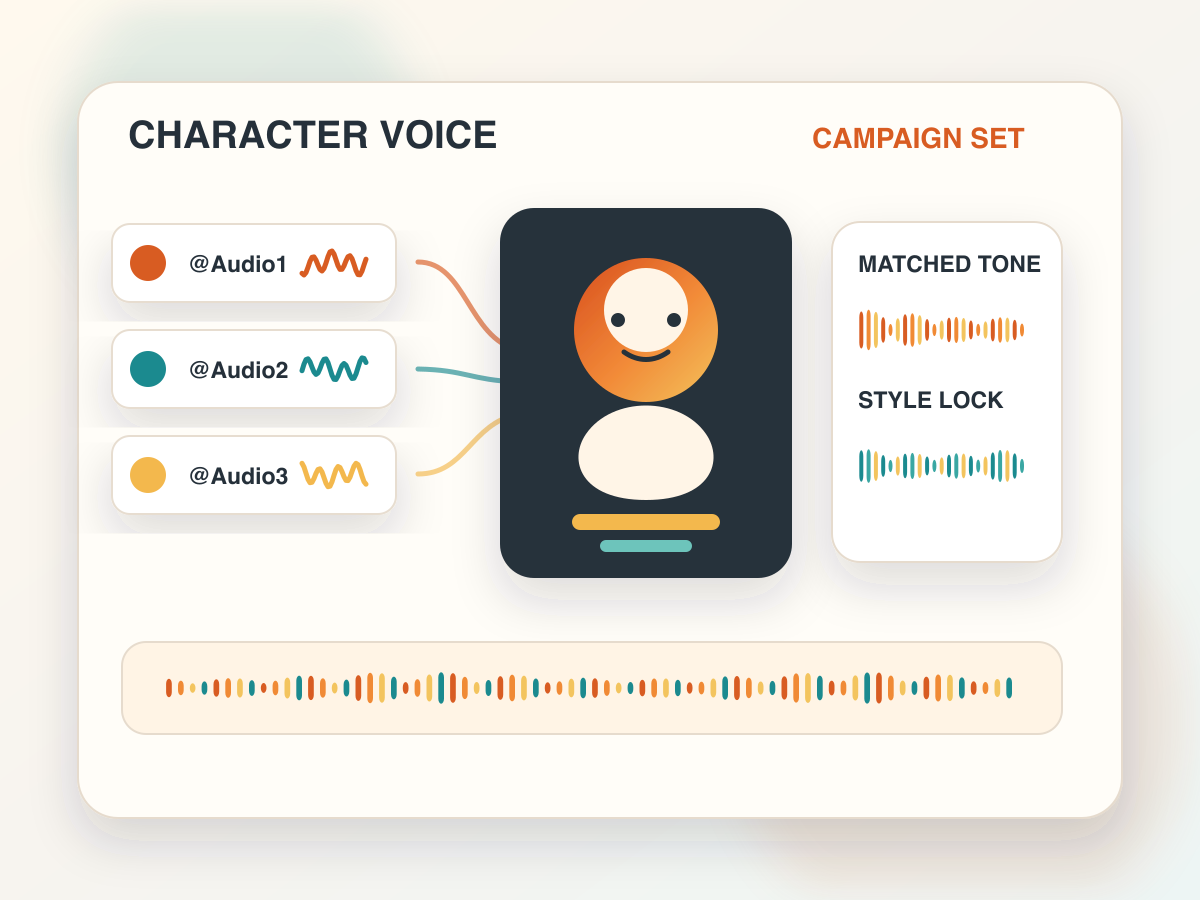
Combine @Audio1, @Audio2 and @Audio3 references to keep a character voice consistent across campaign variations.
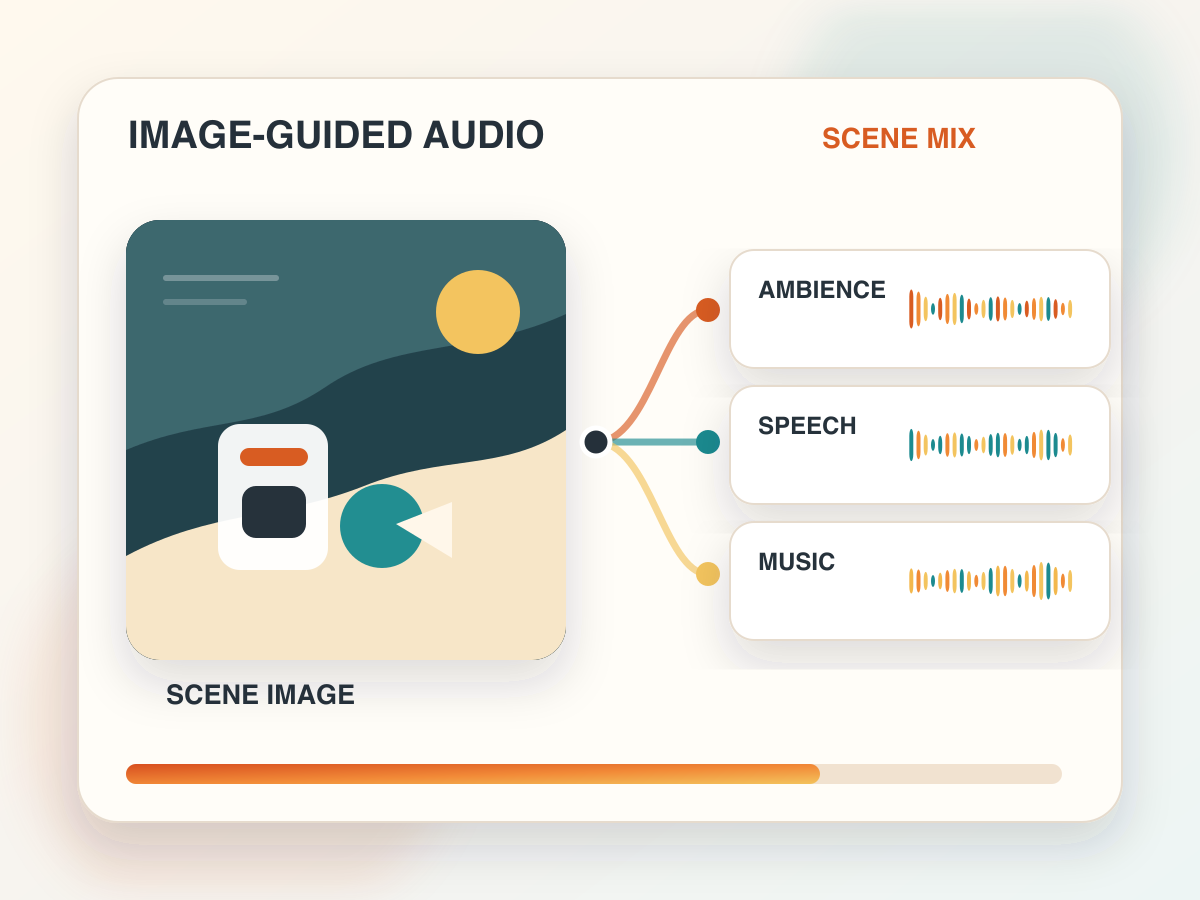
Use a visual scene reference to shape ambience, speech and music layers before sending the request to a production queue.
Seed Audio 1.0 is a ByteDance audio generation model exposed on fal for text to audio workflows. The public schema is built around a required prompt plus optional guidance from preset voices, reference audio URLs or a single image URL.
For creators and product teams, the useful pattern is not just typing text and waiting for speech. You can describe the target delivery, point to ordered audio references, set the output container and tune speed, volume and pitch before the backend submits the request.
This Whisper AI page focuses on safe evaluation. It gives you a polished first-viewport interface and original implementation guidance, while keeping provider billing disabled until a production owner adds authentication, quota and consent review.
The page mirrors the documented fal input shape without exposing a server key or making provider requests.
The prompt is required and can mention @Audio1, @Audio2 and @Audio3 when you supply reference audio URLs in order.
Add up to three public audio references for voice style, tone or character continuity. The demo keeps them mutually exclusive with image guidance.
Provide a single public image URL when the visual context should guide the generated audio rather than an audio reference.
Choose wav, mp3, pcm or ogg_opus, set a documented sample rate, and tune speed, volume and pitch before sending a request.
fal lists the run URL below for Seed Audio 1.0. Treat pricing and availability as provider-controlled and verify them in fal before enabling a production proxy.
endpoint: bytedance/seed-audio-1.0
run_url: https://fal.run/bytedance/seed-audio-1.0
required: prompt
optional: voice, audio_urls, image_url, output_format, sample_rate, speed, volume, pitch
Keep the request small, explicit and reviewable before adding it to a larger media pipeline.
Start with the words to speak, the mood, the language mix and any pacing notes. Keep the prompt focused enough to review.
Use preset voices for fast drafts, audio URLs for style transfer, or one image URL when visual context matters more.
Select format and sample rate, then adjust speed, volume and pitch before validating the request body.
When your own backend enables the paid fal call, review generated audio for quality, consent, labeling and production fit.
Seed Audio is most useful when text, voice direction and media context need to meet in one generation request.
Draft voiceovers for feature tours, education clips, release notes and short product videos from one concise prompt.
Use ordered reference audio to keep a character, pacing target or spoken style consistent across variations.
Pair an image with a prompt to explore audio treatments for ads, social posts, concept films or scene previews.
Test cloning workflows only with permission, documented consent and clear labeling for generated audio.
Strong requests are specific about voice, pacing, emotion and output review criteria. Avoid stuffing the prompt with contradictory style notes.
Only use reference audio, images and voice likenesses when you have permission and a clear purpose. Label generated speech, avoid impersonation, keep review logs for commercial work and do not use the model to mislead listeners about who spoke.
Seed Audio 1.0 is a ByteDance text to audio model available through fal. It can generate audio from a prompt, with optional preset voices, reference audio URLs or one image URL.
No. The interactive UI validates the Seed Audio 1.0 request shape and shows the payload. The server route returns a disabled state, so no provider call or billing action is performed here.
The fal schema supports reference audio URLs, which can guide voice style. Only use reference audio, images and voice likenesses when you have the right to use them.
The input fields are prompt, voice, audio_urls, image_url, output_format, sample_rate, speed, volume and pitch. Audio references and image references cannot be combined in one request.
Use Seed Audio 1.0 for generation experiments, then connect finished audio work with Whisper AI transcription and the broader model directory.