Whisper AI speech to text helps teams and creators turn spoken conversations into useful written assets. Meetings become decisions and action items. Interviews become searchable research and quotes. Podcasts become show notes, captions, clips, and articles. The best workflow depends on what you need after transcription, so this guide breaks down how to approach each common use case.
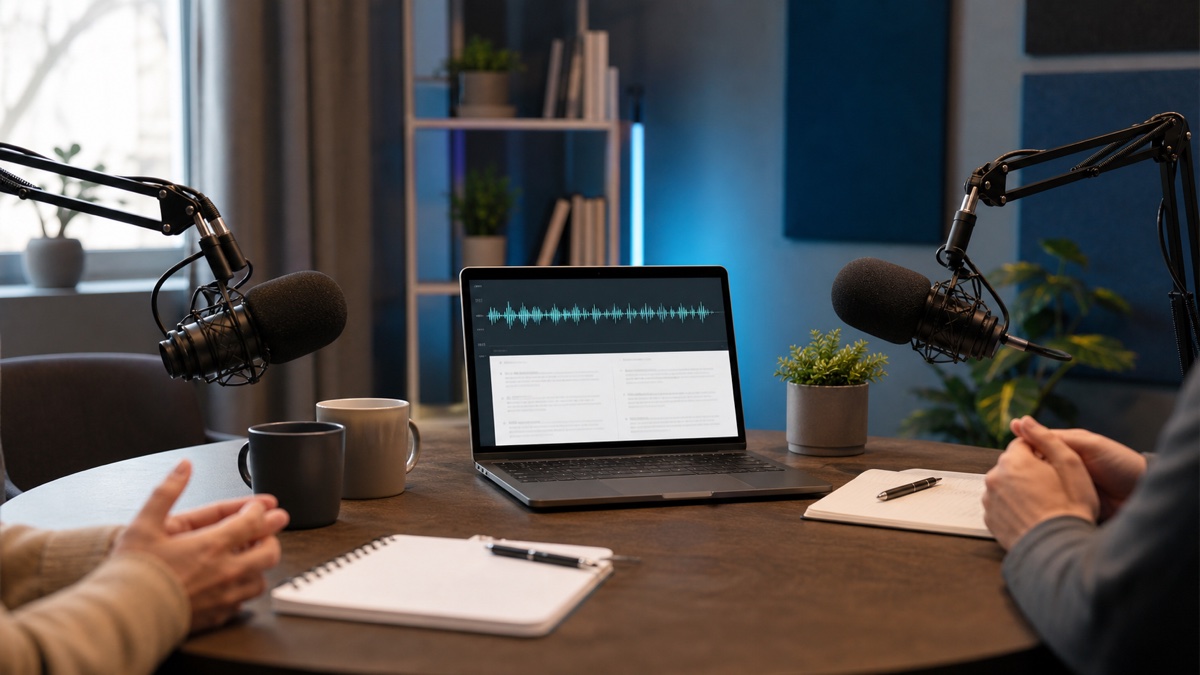
Conversations are harder to transcribe than solo narration because they include interruptions, speaker changes, filler words, and context that only makes sense to the people in the room. A good speech to text workflow should preserve enough detail to be useful without forcing you to clean every casual phrase manually.
Meeting transcription workflow
For meetings, start with the clearest recording source. If the meeting happened online, use the platform recording rather than a laptop microphone in the room. If the meeting happened in person, place the microphone near the center of the conversation and ask people not to talk over each other when decisions are being made.
In Whisper AI, choose speaker labels when multiple people contribute. Speaker labels make review faster because you can identify where decisions came from and separate questions from answers. If you do not know the exact number of speakers, use the automatic setting and rename speakers after transcription.
When reviewing the transcript, do not try to create polished prose first. Pull out decisions, owners, deadlines, objections, and follow-up questions. Then keep the full transcript as supporting detail. This gives you both a quick summary and a searchable record.
Interview transcription workflow
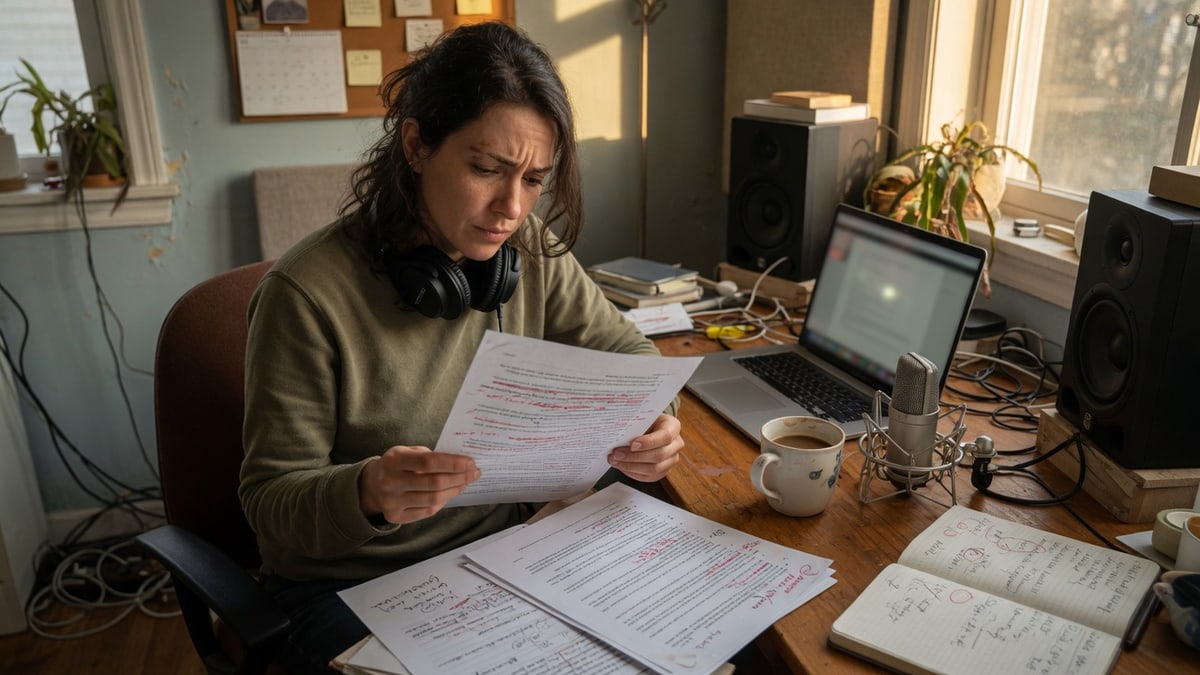
For interviews, the transcript is usually a research asset. You want accurate quotes, clean speaker separation, and enough context to understand why a person said something. If the interview will be published, verify every quote against the audio before release.
Before recording, say the names of the interviewer and guest at the start. This makes it easier to rename speakers later. If the interview covers technical topics, keep a list of product names, people, companies, and acronyms nearby so you can check them during review.
After transcription, scan for the sections that contain original insight. Long interviews often include warm-up conversation, repeated questions, and context that is useful for the interviewer but not for the final piece. Mark the strongest sections and export the transcript for editing.
Podcast transcription workflow
Podcasts need both a readable transcript and assets for discovery. A full transcript can help listeners search the episode, but it can also feed show notes, short summaries, captions, and social clips. For that reason, podcast transcription should preserve timestamps and speaker turns.
Use speech to text after the final edited audio is ready. If you transcribe an unedited recording, the transcript may include sections that are later removed. If your podcast has ads, intro music, or repeated segments, decide whether those belong in the transcript.
For publishing, export a clean text transcript and a subtitle format if the episode also has video. MDN's WebVTT reference explains the web subtitle format, while many video platforms also accept SRT. Test the caption file before publishing so timing and readability are acceptable.
Speaker labels and timestamps
Speaker labels are valuable whenever more than one person talks. They are especially useful in meetings and interviews because the question-answer pattern matters. After transcription, rename generic speaker labels to names or roles such as "Host", "Guest", "Customer", or "Product Lead".
Timestamps are valuable when you need to verify or navigate. A transcript without timestamps is fine for a quick draft, but timestamps make it easier to check a quote, find a decision, or align captions with video. If you expect any review or publishing step, keep timestamps in the export.
Do not remove structure too early. A perfectly clean paragraph transcript can be pleasant to read, but it may lose the navigation clues that make review efficient. Keep the structured version until the final written asset is complete.
Turning transcripts into deliverables
The transcript is the source material. The deliverable is what you create from it. For a meeting, the deliverable might be a decision log. For an interview, it might be a quote bank. For a podcast, it might be show notes, a caption file, and a blog article.
Start by choosing one deliverable, not five. If you need meeting notes, extract decisions and action items first. If you need a podcast article, outline the main sections and pull quotes. If you need subtitles, focus on timing, line breaks, and speaker clarity.
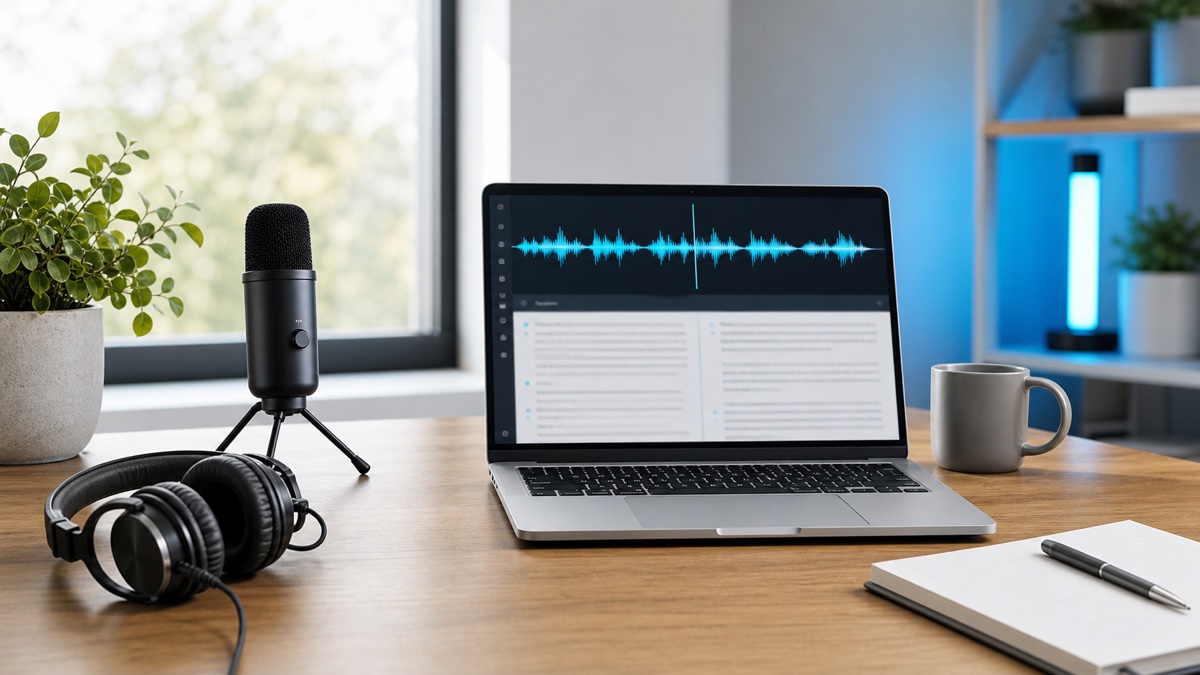
Whisper AI supports this process by giving you a transcript you can review and export. The human part is deciding what the transcript should become.
FAQ
Is speech to text enough for meeting notes?
Speech to text gives you the source transcript. For useful meeting notes, review the transcript and extract decisions, owners, dates, and unanswered questions.
Should podcast transcripts include every word?
That depends on your publishing standard. Full transcripts are useful for search and accessibility, but edited transcripts may be easier for readers. Keep the original transcript for reference.
Where should I start?
Open the speech to text workspace, transcribe a recent meeting or interview, and export both a readable transcript and a timestamped version.