Whisper AI is built for people who need reliable speech to text without turning transcription into a separate production task. Upload an audio or video file, record live speech, choose the right language settings, and export the transcript in the format your workflow needs. This guide explains how to use Whisper AI for online transcription, what affects accuracy, and how to turn spoken content into searchable text, captions, notes, and reusable content.
Speech to text is useful because audio is hard to scan. A 40 minute interview, class recording, sales call, or podcast can hide the one quote or decision you need. A transcript makes that content searchable, editable, and easier to repurpose. With Whisper AI, the goal is to make that process simple enough for a first draft and structured enough for professional review.
What Whisper AI does
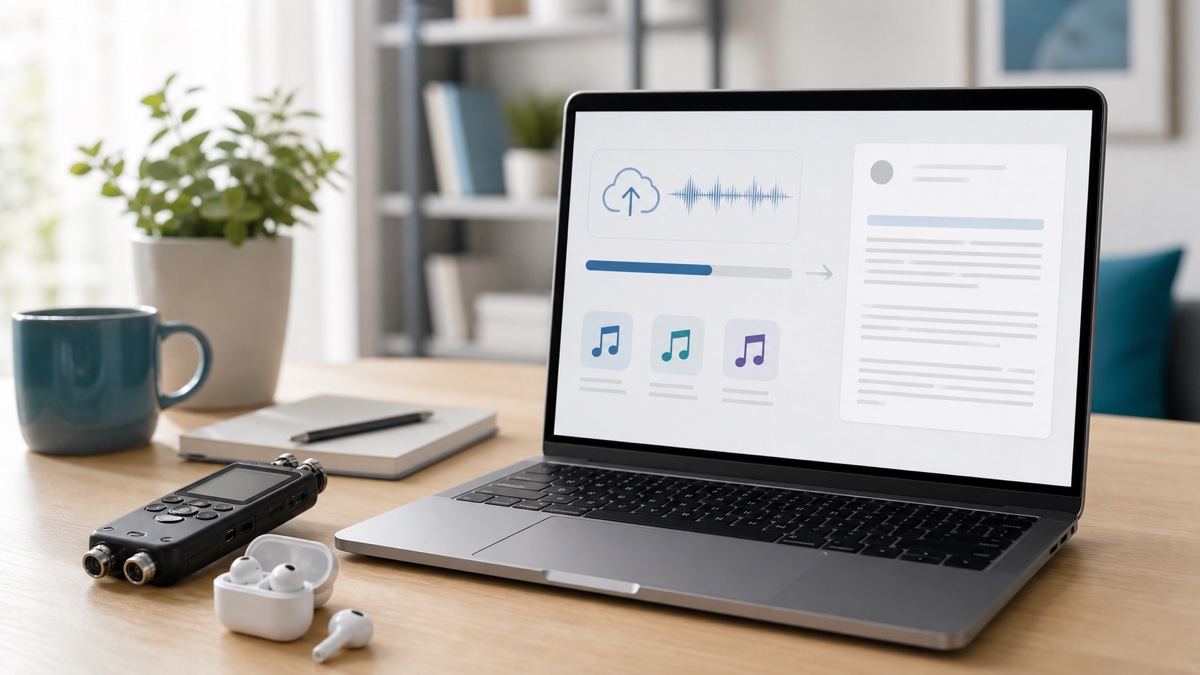
Whisper AI converts spoken language from audio or video into written text. The workflow supports common transcription jobs: uploaded media files, browser recordings, and remote media URLs when the source is supported. After transcription, you can review the result, clean up speaker names, preserve timestamps, and export the text for editing, documentation, captions, or archiving.
The product is designed around practical output, not just raw text. Many users need a clean article draft, meeting notes, subtitles, or a transcript with timestamps. That means the useful part of speech to text is the complete workflow: input, recognition, review, correction, export, and reuse.
OpenAI's Whisper research helped make modern automatic speech recognition more useful across accents, noise, and many languages. OpenAI's current speech to text documentation is also a useful reference for understanding the broader model category, while Whisper AI focuses on the end user workflow: fast upload, clear transcript review, and export options.
When to use speech to text
Use speech to text when the spoken content has value after the recording ends. Meetings become follow-up notes. Interviews become quotes and research material. Podcasts become show notes, social posts, and searchable archives. Lectures become study material. Videos become captions and accessibility assets.
The strongest use cases usually have one of three goals. First, searchability: you want to find what was said without replaying the file. Second, editing: you want to turn spoken material into a written document. Third, distribution: you need captions, subtitles, summaries, or reusable snippets.
If your goal is captions or subtitles, start with a transcript that keeps timing information. If your goal is a clean article, start with a complete transcript and then edit for structure. If your goal is compliance or records, preserve timestamps and keep the original media file linked to the transcript.
How the Whisper AI workflow works
Start by opening the speech to text workspace. Choose the source that matches your media: upload a file, record live audio in the browser, or provide a supported media URL. If you know the language, select it before starting. If the recording includes multiple speakers, turn on speaker labels so the review step is easier.
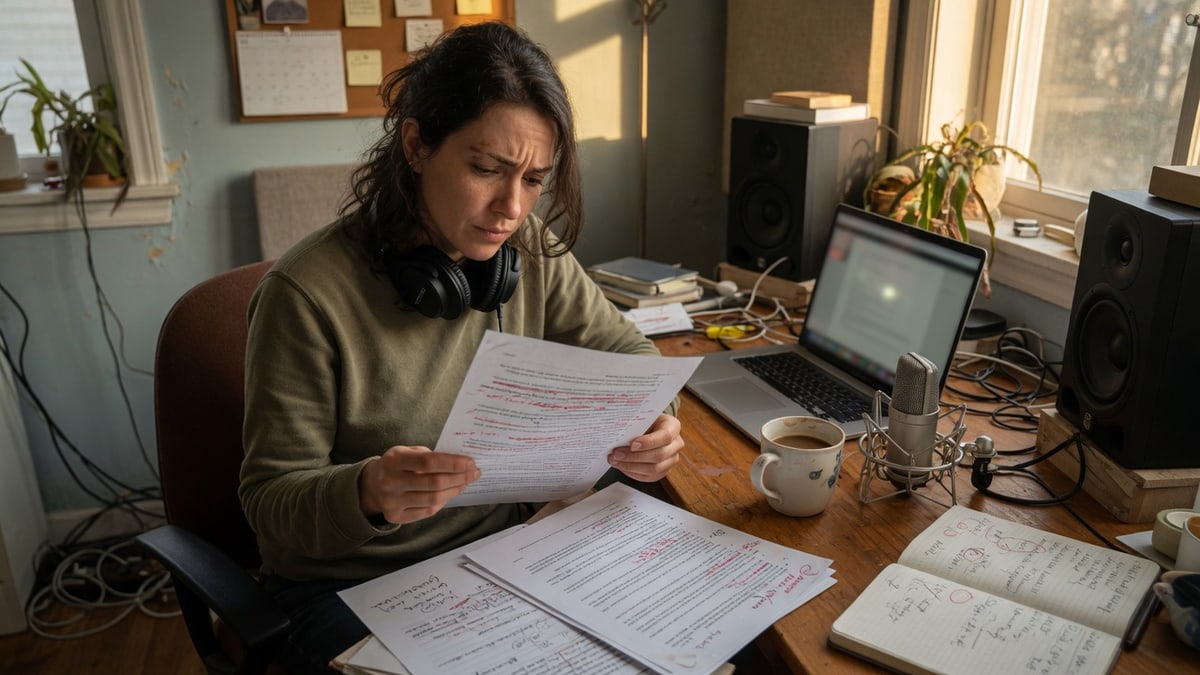
After the job finishes, read the transcript once before exporting. Do not treat any AI transcript as a legal record without review. Names, product terms, acronyms, and soft speech can need correction. Use the transcript editor to clean repeated words, rename speakers, remove irrelevant sections, and verify important quotes against the audio.
Finally, export in the format that matches your next step. Use plain text for simple editing. Use timestamped formats when you need navigation or review. Use SRT or VTT for captions and subtitles. Use structured exports when another tool will process the transcript.
How to get better transcription accuracy
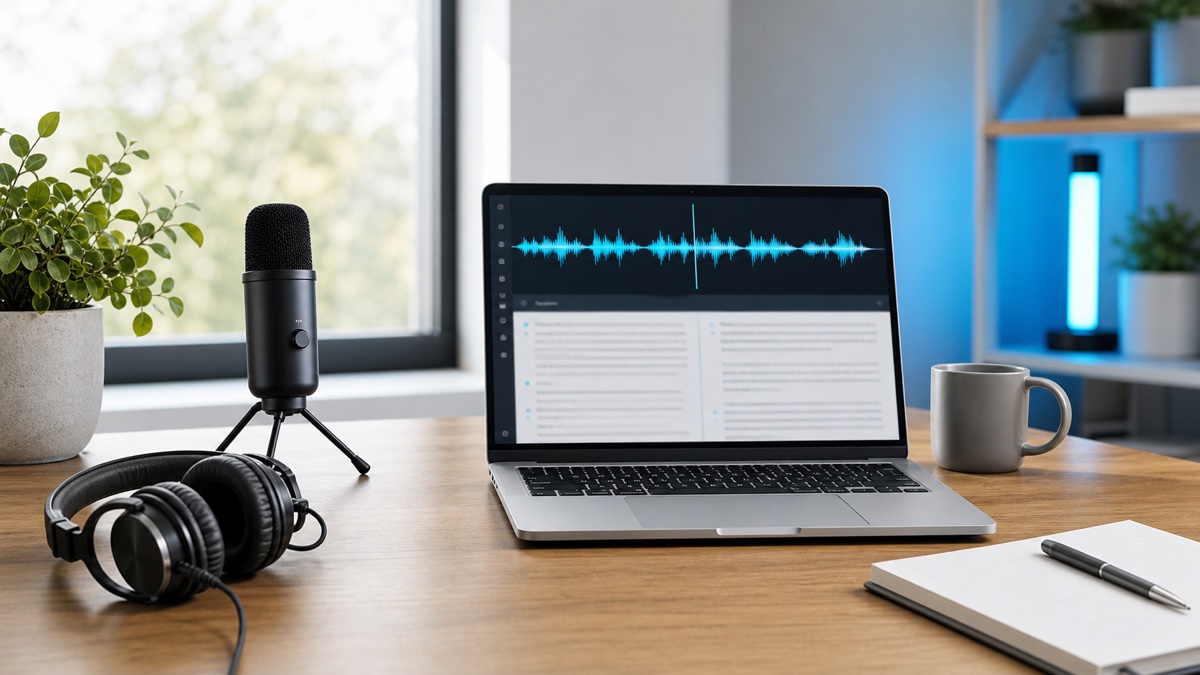
Audio quality matters more than most people expect. A clear microphone, lower background noise, and less overlapping speech can improve the final transcript more than any editing trick. If you are recording a meeting, ask speakers to avoid talking over each other and place the microphone close to the main voices.
Language settings also matter. Auto detection is convenient, but selecting the expected language can help when the recording is short, noisy, or multilingual. For meetings and interviews, speaker labels can reduce review time because you can correct "Speaker 1" and "Speaker 2" once instead of rewriting every paragraph.
For technical subjects, review proper nouns carefully. Company names, API names, medical terms, legal terms, and niche product names are often the parts that need human attention. A good speech to text workflow should help you find and fix those details, not hide them in a wall of text.
Export formats and what they are for
Choose the export format based on the work after transcription. TXT is best for fast notes, drafts, and search. DOCX is useful when the next step is editing, sharing, or client review. JSON works for developers or teams that want to move transcript segments into another system.
For captions, use SRT or VTT. SRT is widely supported by video platforms and editing tools. VTT is common on the web and is documented by MDN's WebVTT reference. If you publish video, captions can improve accessibility and viewer experience, especially for people watching without sound.
When in doubt, export both a readable transcript and a subtitle file. The transcript gives you content to edit, while the subtitle file keeps timing information for video workflows.
FAQ
Is Whisper AI the same as speech to text?
Whisper AI is an online workflow for speech to text. Speech to text is the broader task of converting spoken audio into written text. Whisper AI adds upload, recording, review, speaker labeling, and export tools around that task.
Can I use Whisper AI for video files?
Yes. Video to text is one of the most common transcription workflows. You can use the transcript for editing, captions, documentation, or content repurposing.
What is the best first step?
Start with the speech to text page, upload a short sample, and review the transcript quality before processing a large batch. A short test helps confirm language, speaker, and export settings.