A practical free start, with the allowance stated up front

Audio to Text Free: Transcribe Recordings Online

Use audio to text free when you need a real transcript before committing to a larger plan. Start with 5 transcription minutes after verified signup, then upload a recording, record in your browser, or import a supported media URL. The result opens in an editor where you can check the wording and export the version you need.

Choose audio or video to transcribeDrop one supported media file here, or browse this device.Choose file

Choose one file to continue in the transcription workspace.

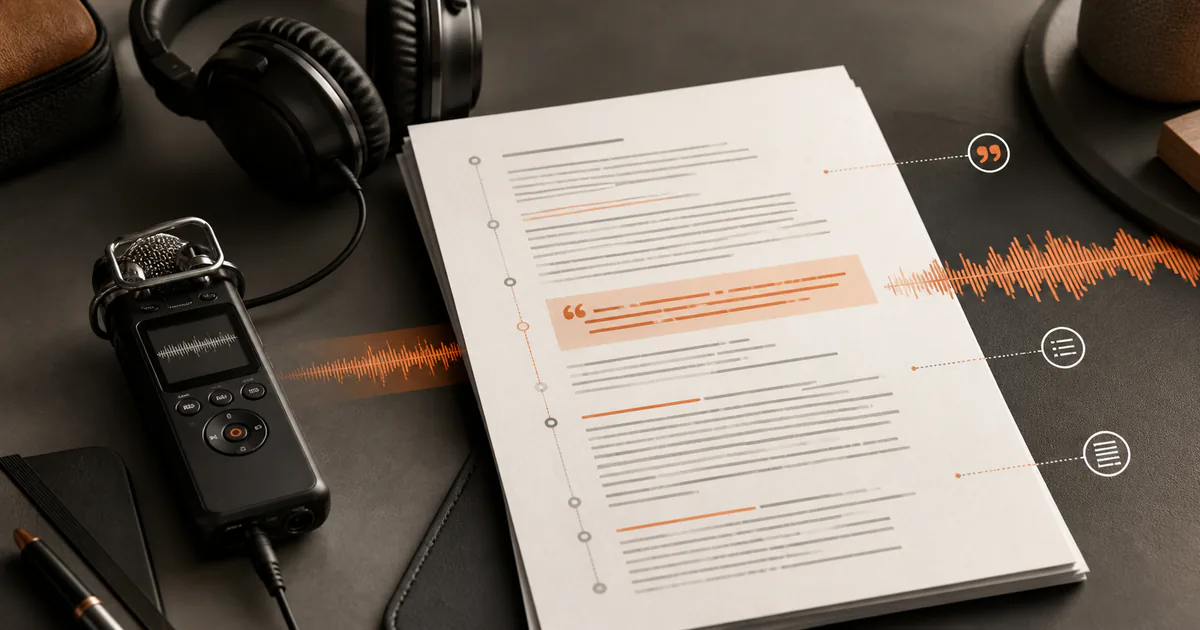
Audio waveform becoming an editable transcript in Whisper AI
  • 5 transcription minutes after verified signup
  • Upload, browser recording, or supported media URL
  • Editable transcript with text and caption exports

Workflow

How to use audio to text free without guessing the limits

Start with a short, representative recording

Choose a section that contains the speakers, accent, room sound, and specialist vocabulary found in the longer source. A clean thirty-second clip can look impressive while hiding the difficult parts, so a representative sample gives you a more useful free evaluation.

Send the source into the transcription workspace

Upload a local audio or video file, record speech in the browser, or paste a supported public media URL. The free entry page uses the same workspace as a normal transcription task, so you can set the spoken language and speaker-label preference before processing.

Check the transcript before exporting it

Replay important timestamps and correct names, numbers, acronyms, and quotations. Export TXT for plain reading, DOCX for document editing, JSON for structured processing, or SRT and VTT when timing needs to travel with the words.

Decision guide

Choose the right settings and output

What the free allowance is for

The 5-minute verified-signup allowance is best used to test your own audio, not a polished demo. It lets you inspect the editor, timestamps, optional speaker separation, and exports before deciding whether a longer workflow is worth paying for.

When to clean the recording first

Speech recognition depends on the source. Heavy music, echo, clipping, overlapping speakers, and a distant microphone can all weaken the first draft. If the conversation matters, trim unrelated silence and use the clearest available copy rather than repeatedly processing a noisy derivative.

When a paid plan makes more sense

Move beyond the free start when the recording exceeds the available minutes, when you have recurring interviews or meetings, or when paid AI actions are part of the workflow. Check the current pricing page before purchase because plan allowances can change.

When transcription is the wrong tool

If you only want the audio track from a MOV or MP4 file, use a format converter instead. Transcription creates words and timestamps; audio extraction creates a playable MP3. Choosing the right output avoids spending transcription minutes on the wrong job.

Use cases

Practical ways to use this tool

Evaluate interview audio

Test a section with questions, interruptions, and names before processing the full interview. Keep timestamps with any quote you intend to publish.

Turn a voice memo into notes

Record or upload a short memo, clean up the text, and move the result into a document without retyping every sentence.

Draft captions for a short clip

Create timed text, correct the transcript, then export SRT or VTT for a final timing and readability pass in the destination editor.

Search a lecture sample

Transcribe a representative section to see whether terminology and the lecturer's recording setup produce a useful searchable draft.

Commercial comparison

Whisper AI vs Notta vs AudioConvert for a free transcription start

Comparison checked 2026-08-13. Use the linked sources to verify live terms.

Whisper AI vs Notta vs AudioConvert for a free transcription start
Decision factorWhisper AINottaAudioConvert
Free entry stated on the checked page5 transcription minutes after verified signupNotta lists 120 minutes per month, with a three-minute cap per free conversationAudioConvert presents an online audio-to-text tool; check its current page for live limits
Ways to startLocal upload, browser recording, or supported public media URLWeb and app recording/import workflows described by NottaFile-led online conversion workflow
Best evaluation questionDoes your own sample produce editable, export-ready text?Does a short per-conversation allowance fit your sample?Does its focused conversion flow match your file and output needs?
Best fitPeople who want to test the complete transcript editor and export pathPeople comparing a broader meeting and note-taking productPeople looking for a narrowly framed browser conversion tool

Choose the product whose actual free constraint matches your recording. Whisper AI is the strongest fit here when you want to test the same upload-to-editor workflow used for longer work, while keeping the 5-minute starting allowance explicit.

Before you begin

Limits worth knowing

Clear answers

Frequently asked questions

Is audio to text free on this page?

Verified new accounts receive 5 transcription minutes. The page shows the real production workflow, so you can upload, record, or import supported media and evaluate the resulting editor and exports.

Do I need to create an account?

Yes. Verified signup connects the free allowance and any finished transcript to your workspace. The page does not promise anonymous or account-free transcription.

Which file should I use for a fair test?

Use a short section that includes the same speakers, vocabulary, background sound, and recording quality as the full source. That is more informative than testing only the cleanest passage.

Can I export subtitles as well as plain text?

Yes. Finished transcripts can be exported as TXT, DOCX, JSON, SRT, or VTT. Check caption timing and line breaks in the destination video editor before publishing.

Will the free transcript be perfectly accurate?

No speech-recognition result should be treated as a verified quotation without checking it. Replay material timestamps and correct names, figures, technical terms, and high-stakes statements.

Evidence

Sources and methodology

Product and competitor details were checked on 13 August 2026. Commercial pages can change, so follow each source before making a purchase or uploading sensitive media. Comparisons describe the checked pages and do not imply an endorsement.

Continue the job