A local audio-only derivative from an everyday video container

MP4 to MP3 Converter for Fast, Private Audio Extraction

Use this MP4 to MP3 converter to make an audio-only copy of an authorized meeting, lecture, video memo, or edit without uploading the MP4. Conversion runs in your browser for one file up to 150 MB. Choose 96–320 kbps, keep the 192 kbps default when unsure, preview the result, and download the MP3.

Local processing: the selected file is not uploaded to Whisper AI.
MP4 file
No MP4 file selected

Choose one MP4 file to begin.

Estimated MP3 output is capped at 64 MB for browser memory safety. Need words instead of audio? Try the audio to text converter free workflow.

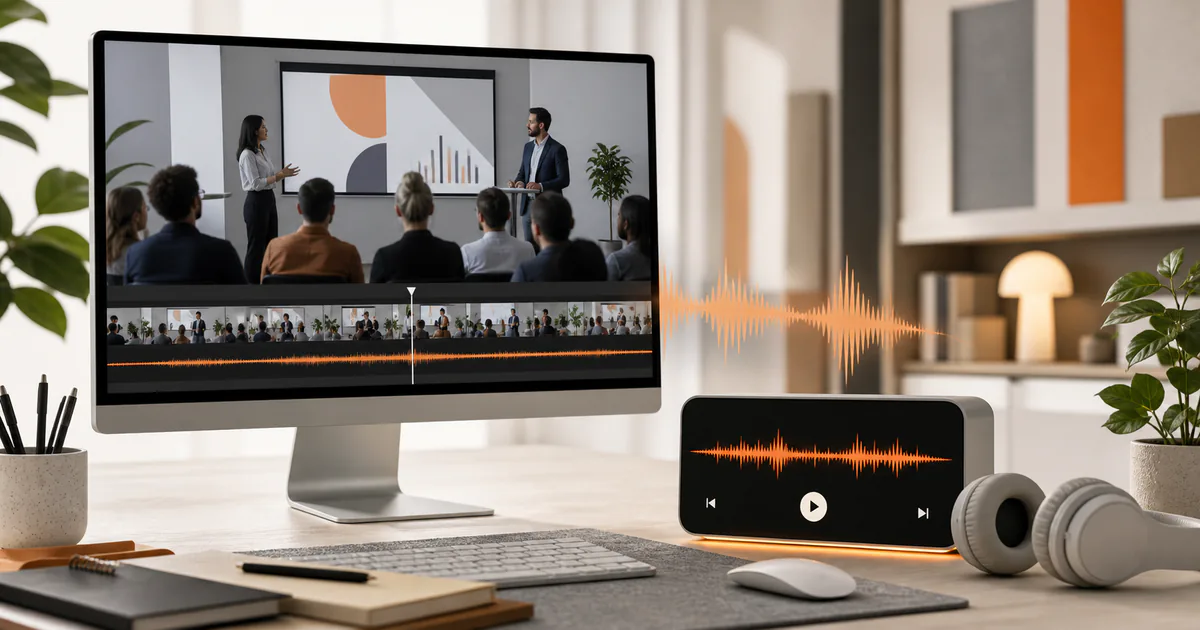
MP4 video track separated into a locally generated MP3 waveform
  • MP4 bytes stay in this browser
  • 192 kbps balanced default
  • Preview before downloading

Workflow

How this MP4 to MP3 converter extracts the audio track

Choose an MP4 that contains audio

Select one `.mp4` file no larger than 150 MB. MP4 is a container and can contain video, audio, captions, and metadata. This tool looks for the first supported audio stream; silent videos and unusual or damaged tracks cannot yield a usable MP3.

Set the delivery bitrate

The 192 kbps default balances size and everyday listening. Pick 96 or 128 kbps for spoken material where smaller size matters, or 256 or 320 kbps for a larger listening copy. This controls MP3 encoding, not source repair.

Run the local conversion

After you click Convert, the browser loads the WebAssembly engine, reads the chosen file locally, removes the video stream from the output command, and writes an MP3. Preview the result and download it before resetting the page.

Decision guide

Choose the right settings and output

Extraction and transcription answer different questions

An MP3 converter answers “Can I listen to the audio without the video?” A transcription tool answers “What words were spoken?” Choose extraction for playback or audio editing, and transcription for search, quotations, documents, and captions.

192 kbps is a starting point, not a quality claim

The default is a practical middle setting for common source material. Low-quality or heavily compressed source audio remains limited even at 320 kbps, while clear speech may need far less. Listen to the preview rather than trusting the number alone.

Local processing has a resource ceiling

Your video is not sent to the application server, but the device performs all decoding and encoding. Expect extra time and memory use for longer, higher-resolution files. The 150 MB cap is deliberately below the WebAssembly platform ceiling to reduce avoidable failures.

Keep the MP4 when context matters

A lecture may rely on slides, a meeting may rely on screen sharing, and a memo may rely on the scene. The MP3 is convenient for listening, but it cannot preserve those visual facts. Retain the source when you may need to verify context later.

Use cases

Practical ways to use this tool

Make a meeting listening copy

Extract audio from an authorized MP4 so a participant can listen during travel, while keeping the original video for screen-share and speaker context.

Reuse a lecture's spoken track

Create a compact audio derivative for personal study or an approved course workflow. Keep the video when diagrams or demonstrations carry meaning.

Prepare a video memo for audio editing

Export MP3 when the destination accepts it, but preserve the original if a later edit could benefit from its source audio or picture timing.

Separate audio before sharing

Remove the video portion when recipients only need to hear the content and you are authorized to distribute it. Preview for completeness before sending.

Commercial comparison

Whisper AI vs AudioConvert vs EZGIF for MP4 to MP3 conversion

Comparison checked 2026-08-13. Use the linked sources to verify live terms.

Whisper AI vs AudioConvert vs EZGIF for MP4 to MP3 conversion
Decision factorWhisper AIAudioConvertEZGIF
Processing modelBrowser-local; the selected MP4 is not uploadedCloud conversion with automatic deletion claims on the checked pageCloud upload with deletion after one hour stated on the checked page
Published file constraintOne file up to 150 MB, with a resource warning above 100 MBLarger-file cloud positioning; verify the live limit before upload200 MB stated on the checked page
Default and options192 kbps default; 96, 128, 192, 256, and 320 kbps choicesConfirm its current output controls in the live form192 kbps default stated on the checked page
Best decisionChoose for local privacy and files that fit device resourcesConsider when a cloud workflow better fits a large fileConsider for a temporary cloud upload inside its current cap

Whisper AI is designed for people who prefer local MP4 processing and can stay within the 150 MB limit. If a file is larger, compare a cloud tool's live size limit and retention statement rather than assuming every converter uses the same privacy model.

Before you begin

Limits worth knowing

Clear answers

Frequently asked questions

Is this MP4 to MP3 converter private?

The selected MP4 is processed locally in the browser and is not uploaded to Whisper AI. Like any web tool, the page itself still loads application and conversion-engine assets from the site.

What happens to the video track?

It is excluded from the MP3 output. The downloaded file contains audio only, so keep the original MP4 if picture, captions, chapters, or synchronization may matter later.

Is 320 kbps always better than 192 kbps?

It creates a larger MP3 at a higher target bitrate, but it cannot restore source information already lost. For many meetings and lectures, 192 kbps or less is sufficient after listening to a preview.

Can I paste a video URL?

No. This converter accepts an authorized local MP4 file. It is not a downloader and does not bypass platform, copyright, login, paywall, or digital-rights controls.

Why is conversion slower on my phone?

The browser performs decoding and MP3 encoding on the device. Available memory, CPU, power-saving behavior, file duration, source codec, and other open apps can all affect completion.

Evidence

Sources and methodology

Product and competitor details were checked on 13 August 2026. Commercial pages can change, so follow each source before making a purchase or uploading sensitive media. Comparisons describe the checked pages and do not imply an endorsement.

Continue the job

MP4 to MP3 Converter — Private & Free | Whisper AI