A video-first path from picture files to reviewable words

MP4 to Text Converter

Use this MP4 to text converter when the footage already exists and the words are what you actually need. Upload an authorized video, let the workspace write a timestamped draft, correct names and numbers in the editor, and export TXT, DOCX, JSON, SRT, or VTT. Verified new accounts start with 5 transcription minutes, shown here before you begin.

Choose audio or video to transcribeDrop one supported media file here, or browse this device.Choose file

Choose one file to continue in the transcription workspace.

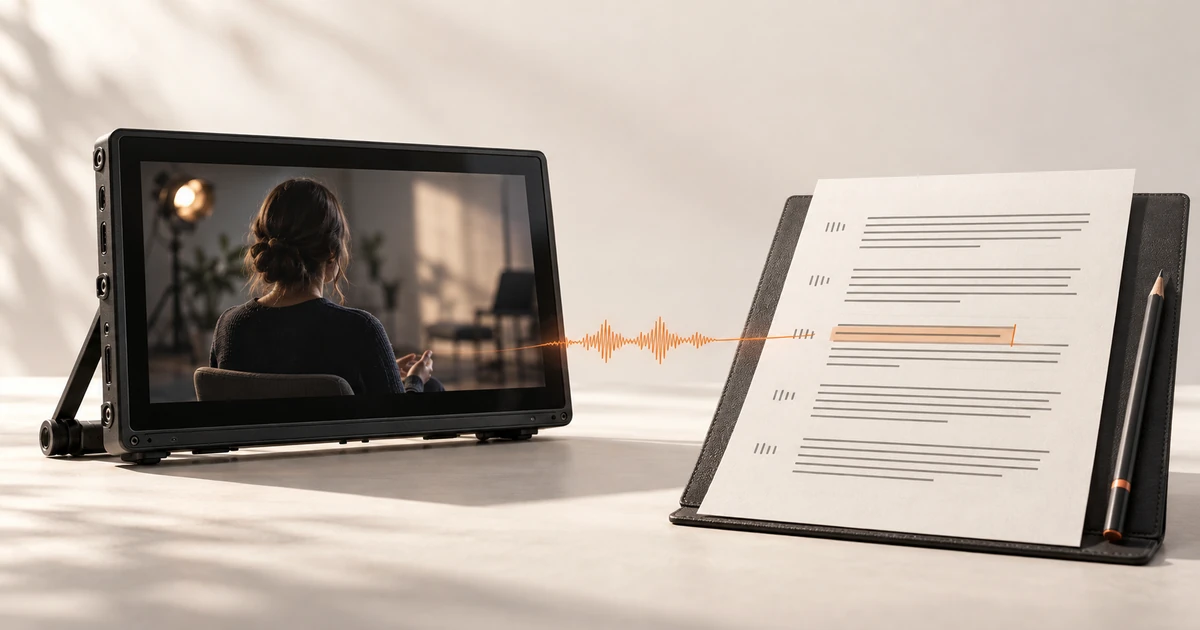
MP4 video speech becoming an editable text transcript in Whisper AI
  • Upload an MP4 or record in the browser
  • Editable transcript with timestamps
  • TXT, DOCX, JSON, SRT, and VTT export

Workflow

How this MP4 to text converter turns a video into editable text

Confirm the video contains usable speech

MP4 is a container, not a guarantee of audio. Play the clip first and check that voices are audible and not buried under music, room tone, or clipping. Silent footage, music-only edits, and videos whose speech sits on an unsupported track cannot produce a useful spoken transcript.

Send the MP4 into the transcription workspace

Choose a local video file, record a replacement in the browser, or import a supported public media URL. Select the spoken language when you know it, and turn on speaker labels only when the recording really has more than one voice. The page hands your file to the same workspace used for ordinary transcription.

Edit the draft, then export the right text

Replay important timestamps and fix names, numbers, acronyms, and quotations before anything leaves the editor. Export TXT or DOCX for reading and review, JSON when software needs structured segments, or SRT and VTT when the words must become captions. The exported file is a draft until a human checks it.

Decision guide

Choose the right settings and output

MP4 to text is not MP4 to MP3

An audio extractor answers whether you can listen without the picture. A text converter answers what was said. If you only need a playable audio file, use the MP4 to MP3 converter instead, because transcription minutes should not be spent on a job an audio tool does for free.

Choose the transcript before the captions

Create and correct the words first, then export SRT or VTT and review line length, reading speed, and cuts in the destination player. Correcting a caption file cue by cue before the wording is stable wastes effort and hides recognition errors.

Speaker labels are groups, not identities

Optional diarization separates passages by detected voice, which helps an interview or panel discussion stay readable. The labels are not verified identities, so rename them only after checking the recording and the conversation itself.

When a machine draft is not enough

Medical, legal, financial, safety, and publication-critical material needs a qualified human review against the original recording. Treat the generated transcript as a fast first draft that points a reviewer to the right timestamps.

Use cases

Practical ways to use this tool

Turn a recorded interview into an article draft

Upload the MP4, separate speakers when useful, correct names and quotations, then export DOCX for an editor who will shape the final piece.

Create subtitles from an existing video

Produce the transcript first, fix the wording, and export SRT or VTT for a final timing and readability pass in the publishing environment.

Make recorded talks searchable

Convert a lecture, webinar, or conference recording into text so a phrase can be found and checked at its timestamp before it is quoted.

Document a screen-recorded walkthrough

Turn an authorized screen recording into a step-by-step written draft, then tighten the language and verify every command and label against the video.

Commercial comparison

Whisper AI vs Notta vs VEED for MP4 to text

Comparison checked 2026-09-22. Verify live terms on each named product's page and the sources below.

Whisper AI vs Notta vs VEED for MP4 to text
Decision factorWhisper AINottaVEED
How the free tier is shaped5 transcription minutes after verified signup, stated on this pageNotta's pricing page lists 120 transcription minutes per month, up to 3 minutes per conversation, and 50 uploads per monthVEED's pricing page shows free-plan exports carry its watermark and videos longer than 10 minutes need a paid plan
Ways to startLocal video upload, browser recording, or a supported public media URLNotta lists web, browser-extension, desktop, and meeting-bot recording entry pointsUpload inside VEED's browser video editor or its standalone video-to-text tool
Where editing and export happenReview in the transcript editor first, then export TXT, DOCX, JSON, SRT, or VTTTranscription and AI summaries sit inside a meeting-notes workspaceEditing happens on a video timeline with subtitles and text export
Best fitOne editable transcript that can feed a document, a data file, or a caption draftRecurring meetings and notes with a monthly minute poolCreators who want timeline editing and publishing in the same place

Whisper AI fits when the deliverable is a document, data file, or caption draft and you want one editable transcript to feed several outputs. A monthly meeting-notes plan fits recurring calls, and a timeline editor fits creators who publish video in the same tool. Check each product's live terms before processing a long recording.

Before you begin

Limits worth knowing

Clear answers

Frequently asked questions

How do I convert an MP4 to text?

Upload the MP4 to the workspace, choose the spoken language if you know it, and start the transcription. When the draft is ready, replay key timestamps, correct names and numbers, and export TXT, DOCX, JSON, SRT, or VTT depending on what happens next.

Is this MP4 to text converter free?

Verified new accounts receive 5 transcription minutes, which is enough to test a short, representative clip. Longer or recurring work is covered by the current paid plans, and the pricing page shows the live allowances before you commit.

Can I get subtitles instead of plain text?

Yes. After the transcript is corrected, export SRT for widely supported subtitle workflows or VTT for web caption tracks. Always preview line length, reading speed, and timing in the player where viewers will read them.

Does it work for a silent or music-only video?

No. Speech recognition needs audible speech. A video with no dialogue, only music, or speech buried under heavy noise cannot produce a trustworthy transcript, so check the audio before uploading.

Can I translate or dub the video?

This page produces written text in the spoken language. Translation is a separate paid action on a completed transcript, and the workflow does not create dubbed audio or cloned speech.

What happens to my video file?

The file is handled by the same transcription workspace described in the privacy policy, not by the browser-local MP3 tool. Review that policy before uploading confidential, medical, or client material.

Evidence

Sources and methodology

Product and competitor details were checked on 22 September 2026. Commercial pages can change, so verify terms on each named product's live page and follow each source below before making a purchase or uploading sensitive media. Comparisons describe the checked pages and do not imply an endorsement.

Continue the job

MP4 to Text Converter | Whisper AI