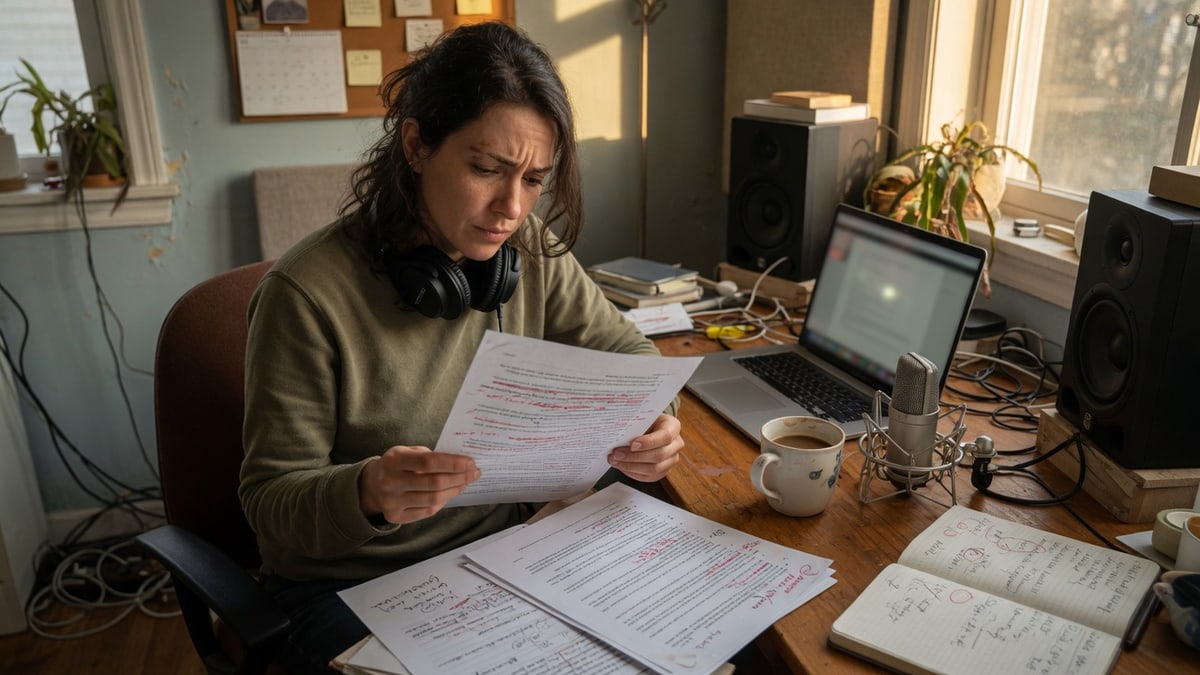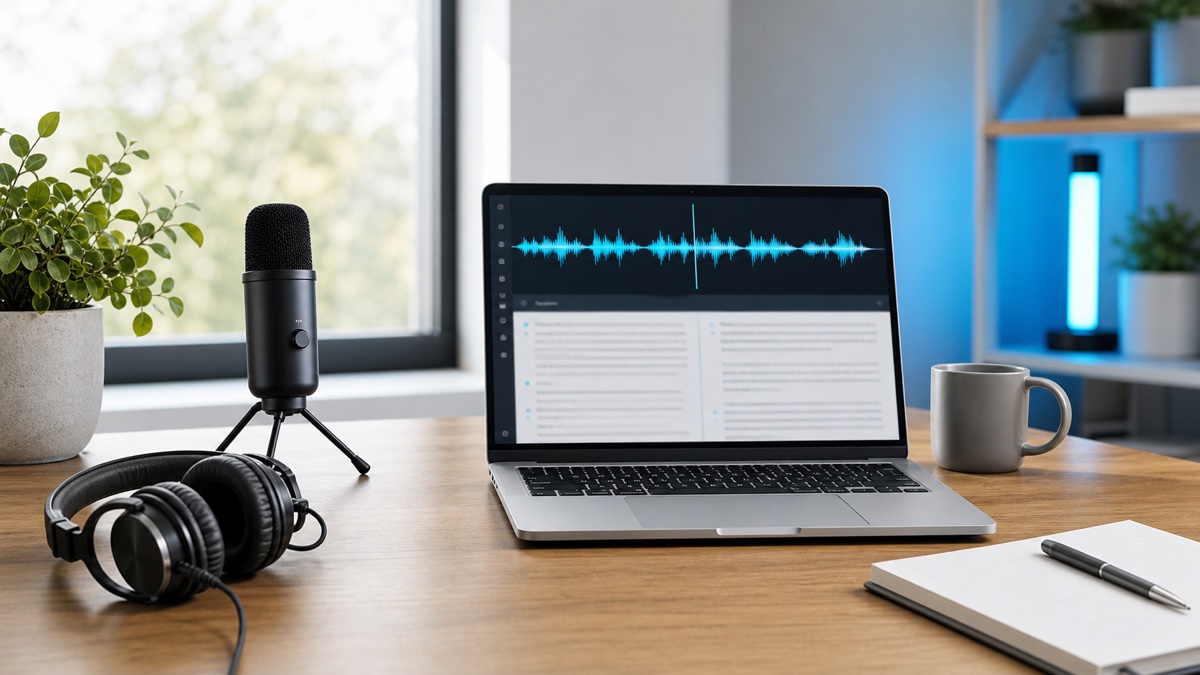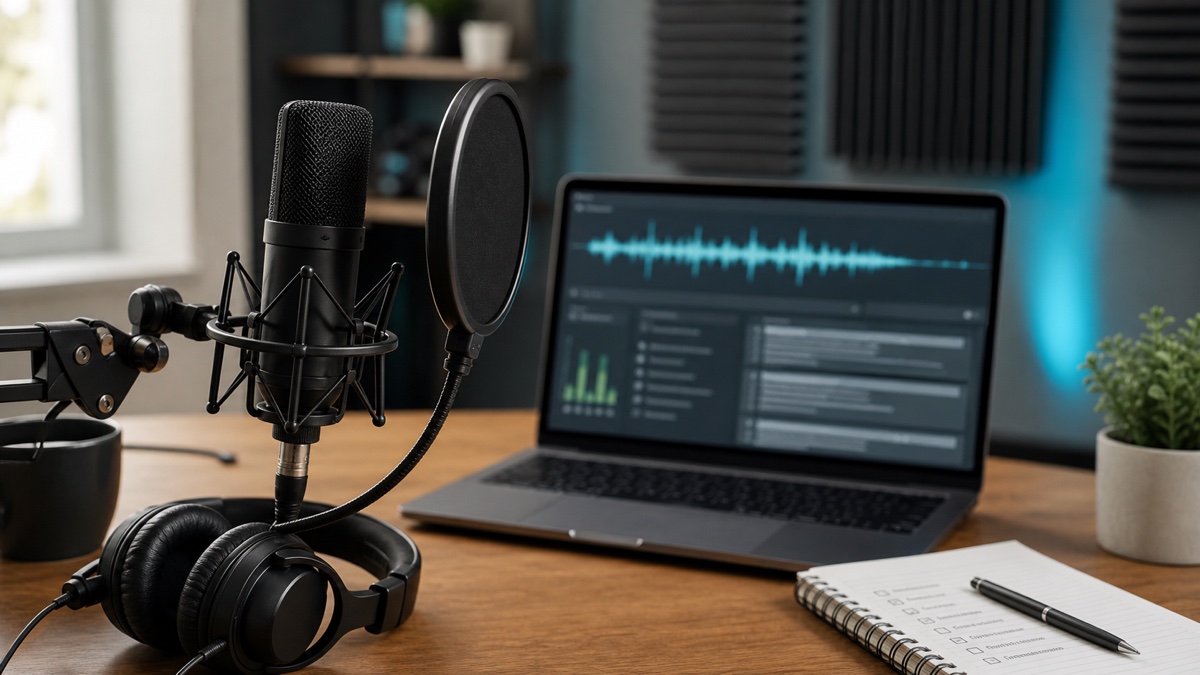
Whisper AI can produce useful speech to text from a wide range of recordings, but the cleanest transcripts still come from a good workflow. Accuracy is not only about the model. It is affected by microphone quality, background noise, speaker overlap, language settings, proper nouns, and how carefully the transcript is reviewed before export.
This guide gives practical steps to improve transcription quality before, during, and after recording. Use it when you want cleaner meeting notes, more reliable interview quotes, better podcast transcripts, or subtitles that need less correction.
Start with better audio
The easiest way to improve speech to text accuracy is to improve the audio source. Put the microphone closer to the speaker, reduce background noise, and avoid recording from a laptop across the room. If you are recording a call, use the platform's original recording when available instead of capturing speaker audio through another device.
Avoid overlapping speech when possible. AI transcription can handle many real-world recordings, but two people talking at the same time creates ambiguity. For meetings and interviews, a simple reminder at the start can help: pause before answering, avoid side conversations, and repeat important names or numbers clearly.
If the recording environment is noisy, make a quick test recording and play it back before the real session. A 30 second check can save a long review session later.
Choose the right language setting
Language selection can matter, especially for short clips and recordings with accents, background noise, or specialized vocabulary. Auto detection is useful when you are unsure, but selecting the expected language gives the system a clearer starting point.
If the recording includes multiple languages, review the transcript carefully. Multilingual speech often includes names, borrowed words, and code switching that need human attention. A good review pass should focus on meaning first, then formatting.
OpenAI's speech to text guide shows how language-aware transcription fits into the broader speech recognition category. In Whisper AI, the practical step is simple: choose the language you expect when you know it, and use auto detection when you do not.
Use speaker labels when they help
Speaker labels can improve the review experience even when they do not change the spoken words. In interviews, meetings, and panels, labels make it easier to see who said what. In a solo narration, they may add unnecessary structure.
Use speaker labels when the transcript will become meeting notes, an interview article, a customer call record, or a podcast transcript. After transcription, rename generic labels to meaningful names or roles. This turns a raw transcript into something people can scan.
If speakers talk over each other, labels may still need correction. Treat speaker labels as a review aid, not a perfect record. For important conversations, verify disputed sections against the audio.
Protect proper nouns and technical terms
Proper nouns are the most common errors users notice. Names, companies, APIs, product features, domain names, drug names, legal terms, and acronyms can be hard to infer from sound alone. If the recording includes specialized terms, keep a checklist and search the transcript for likely mistakes.
For interviews and podcasts, ask guests to spell unusual names before or after the recording. For internal meetings, share a glossary for recurring product terms. For lectures and courses, include slide titles or key terms in the review checklist.
After transcription in Whisper AI, search the transcript for words that sound similar to important terms. Fixing these details can improve the perceived quality of the whole document.
Review in passes instead of one long edit
A structured review is faster than trying to fix everything at once. First, check whether the transcript is complete. Second, correct speaker labels and timestamps if needed. Third, review proper nouns, numbers, dates, and quotes. Fourth, edit readability based on the final use.
If the transcript is for internal notes, you may not need perfect grammar. If it is for publication, you should edit sentence structure and remove false starts. If it is for captions, focus on timing, punctuation, and line readability.
Do not delete the raw transcript too early. Keep a copy of the original transcript and the final edited version. If a quote is questioned later, the original transcript plus audio timing makes verification easier.
Export the format that preserves what you need
Accuracy is also about preserving context. If you need to verify quotes, export with timestamps. If you need captions, export SRT or VTT. If you need a clean article draft, export a readable document and edit it into sections.
For team workflows, structured formats can be useful because they preserve segments, speakers, and timing. For personal workflows, TXT or DOCX may be enough. The right export is the one that supports the next review step.
When you are not sure, export two versions: a readable transcript for editing and a timestamped version for verification. This keeps the workflow flexible without requiring another transcription job.
FAQ
What affects Whisper AI transcription accuracy the most?
Audio clarity, background noise, speaker overlap, language settings, and specialized vocabulary have the biggest practical impact on transcript quality.
Should I always use speaker labels?
Use speaker labels for meetings, interviews, calls, and podcasts. Skip them for solo narration unless you need structured segments for review.
How can I test my setup?
Record or upload a short sample in the speech to text workspace, review the transcript, then adjust microphone, language, and speaker settings before processing longer files.