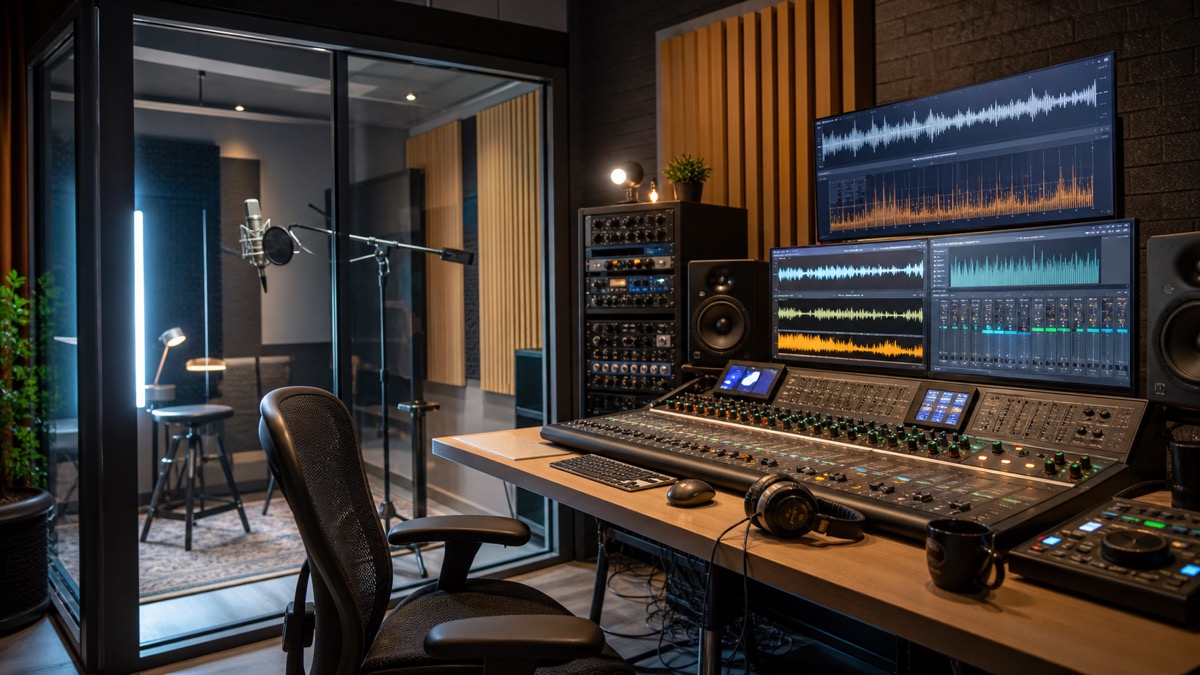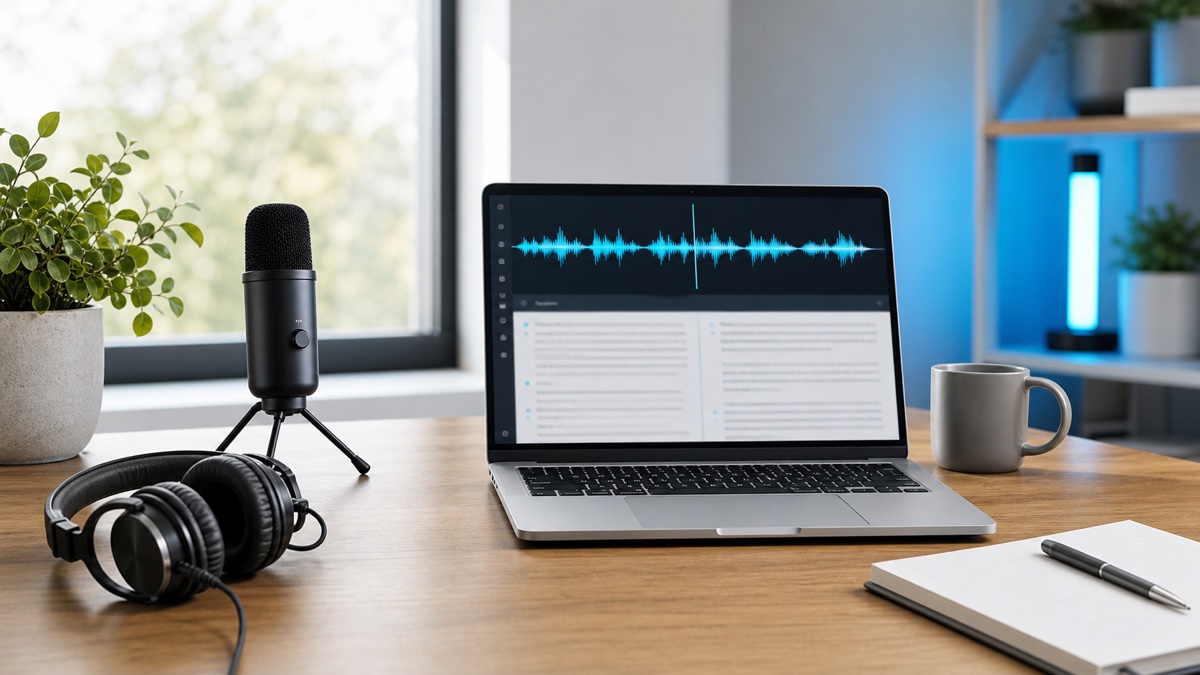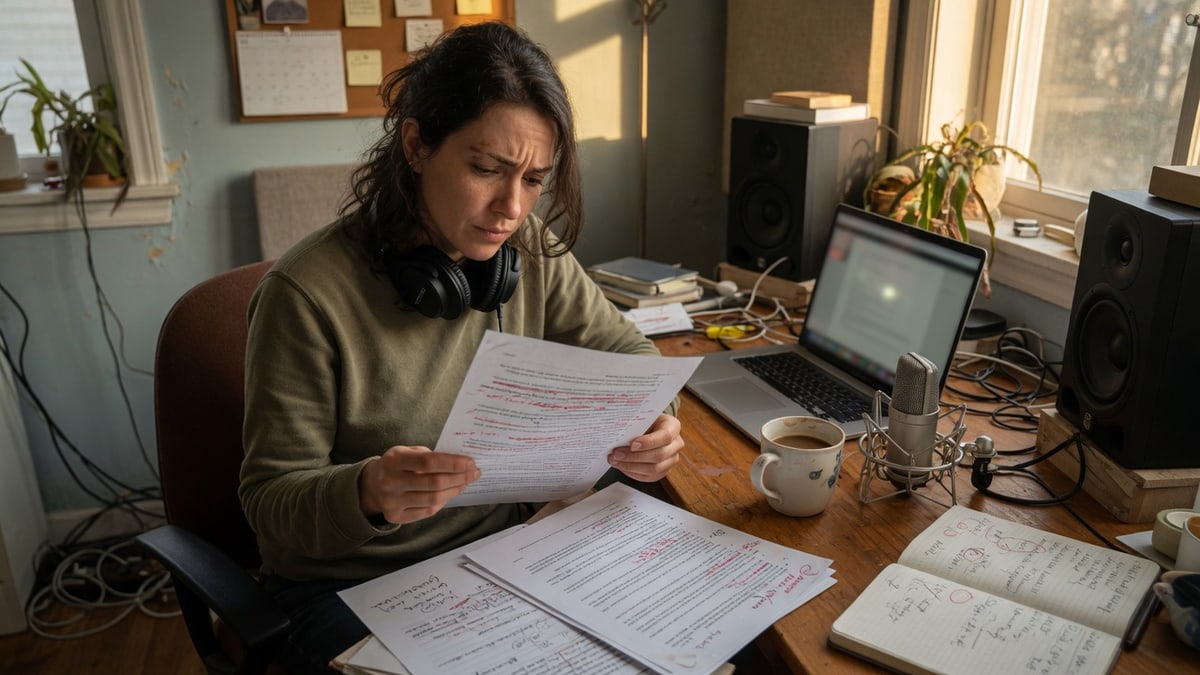
A recording does not become a publishable voiceover when you paste the raw transcript into a speaker and hit export. The work is a loop. Whisper AI speech to text turns interviews, lessons, podcasts, and existing videos into copy you can edit. An AI voice generator then reads a cleaned script as text to speech. The useful middle step is editorial: rewrite the transcript for the ear, cast a voice, generate replaceable lines, and check the take the same way you would check a human pickup.
If you already transcribe with Whisper AI, the missing half is not another recording day. It is a repeatable way to turn approved text into narration you can mix, caption, and revise without rebuilding the whole track.
Quick answer: how speech to text and an AI voice generator work together
Speech to text recovers what was said. An AI voice generator performs what should be said next. Those are different jobs, even when the words look similar on the page.
A transcript is a record of speech: false starts, overlapping talk, timestamps, speaker labels, and the exact phrases people used. A voiceover script is a performance document: shorter sentences, spoken emphasis, names that must land, and lines that fit a shot or a slide. Text to speech only sounds “natural” when the input has already been rewritten for listening.
The practical loop looks like this. Transcribe the source. Edit a speakable script. Audition a difficult line in an AI voice generator. Generate section-sized files. Listen. Run the new audio back through speech to text. Replace only the lines that fail. Export captions from the approved script, not from the second transcript.
Why the transcript-to-voiceover loop matters
Searchers looking for text to speech and an AI voice generator are often stuck on the same production problem. They already have spoken material. They do not have a voice track that matches the cut they want to ship.
A 40-minute interview can contain one usable explanation. A course recording can be accurate and still be too slow for a product video. A podcast episode can be strong on tape and still need a cold open, an ad read, or a YouTube recap in a different pace. Directly reading the transcript aloud, by a person or by a model, copies the original mess into a new file.
There is a second problem that does not show up until publishing. Captions, chapter titles, on-screen labels, and the spoken line have to agree. If you generate audio from an unedited transcript, then write captions from a third pass, the viewer hears one version and reads another. The loop prevents that drift: one approved script feeds the voiceover and the caption file.
The third reason is revision. Product names change. A legal disclaimer is rewritten. A lesson is updated after a feature ships. Re-recording a full session is expensive. Regenerating one labeled line is not, provided the original generation was split into replaceable sections instead of one long render.
This is where the two tools should stay specialized. Whisper AI is the capture and review side. A browser studio such as the Fish Voice AI voice generator is the performance side: public-voice auditions, text to speech, optional voice design, and consent-first private clones. Neither side should pretend to do the other job.
What speech to text and an AI voice generator each do
Speech to text converts audio or video into written text. In Whisper AI, that means uploading a file, recording in the browser, or using a supported media URL, then reviewing the result before export. The workspace is built around the files editors actually need: plain text for drafting, DOCX for review, JSON for structured segments, and SRT when timing has to travel with the words. Speaker labels help when more than one person talks. Timestamps help when you later map a line to a shot.
Accuracy still depends on the recording. Overlapping speech, room echo, and unexplained acronyms create the same review work they always did. The Whisper AI accuracy tips are the right place to tighten that first pass. For this article, the important point is simpler: do not send an unreviewed transcript into a voice generator and hope the model will guess your meaning.
An AI voice generator converts approved text into spoken audio. The usual controls are speaker identity, language, pacing, and sometimes emotion or pronunciation. Some tools also offer voice design from a written description, or a private clone from a short reference. The output should be a file you can drop on a timeline, not a mixed scene with music and effects already baked in. If you need a dry narration stem, say so in the generation settings and keep background beds in the edit.
Marketing pages often treat those jobs as one product. In production they split. Speech to text is recovery and evidence. Text to speech is delivery. If you skip the rewrite between them, you get a fluent recording of a document that was never meant to be read.
Fish Voice is a useful example of the generation side because it is organized around a script rather than around a one-click “make a voice.” The public library is there for casting. The text to speech path is there for rendering a line, listening, and replacing it. Private cloning is available, but only after a right-to-use attestation for your own voice or a speaker who explicitly authorized the clone. That boundary matters later in this workflow.
When this workflow is worth using
Use the loop when the original recording is the source of meaning, but not the source of the final sound.
It fits a podcast that will also become a video. The conversation stays in the archive. A rewritten narration carries the argument for viewers who will not sit through the full tape. It fits a course update. The slides are current; only the spoken explanation of one lesson changed. It fits a product demo whose picture lock is done and whose script is still moving. It fits localization after the English cut is approved: the same shot list, a new speakable script, a new voice.
It is the wrong tool when the original performance is the point. A documentary interview, a legal deposition, a customer testimonial that must remain that person’s voice, or a live lecture where hesitation is part of the teaching should stay as recorded speech. In those cases, transcribe for search and captions. Do not replace the speaker.
It is also the wrong tool when you do not have rights. A guest’s voice on a podcast is not a clone-ready reference. A celebrity-like profile in a public catalog is not permission to publish that identity. If the project needs a specific human, get a recording or a written authorization before you generate anything that is meant to sound like them.
A quick test helps you decide. If you can delete 40 percent of the transcript, reorder two sections, and still keep the meaning, you have a voiceover job. If cutting the transcript would destroy the evidence, you have an archival job. Only the first one belongs in an AI voice generator.
Step 1: Transcribe the source before you cast a voice
Start with a short sample, not the full file. A two-minute excerpt tells you whether the language setting is right, whether speaker labels are useful, and whether names survive. Then run the complete recording in the speech to text workspace.
Keep timestamps. You will need them when a rewritten line has to hit a visual cue. Keep speaker labels when more than one person contributes, even if the final voiceover will be a single narrator. The labels tell you which claims came from a guest and which came from the host. That distinction is easy to lose once everything is flattened into “the script.”
Review before you export. Product names, people, timestamps, numbers, and anything that will later be spoken by a model deserve a pass against the audio. A voice generator will pronounce whatever you give it, including a confident error. If the transcript says “15 welcome credits” and the source said something else, the generated line will repeat the mistake with better diction.
Export two artifacts. One is a readable document you can edit: TXT or DOCX. The other is a timed file, usually SRT, that preserves where the original speech sat. The timed file is not the voiceover script. It is a map. The captions and subtitles guide covers the caption side of that map. Here, you only need it so rewritten lines can still find their place in the cut.
If the source is already a script, skip the ego of “we should still transcribe.” Transcribe anyway when you have a previous voiceover or a live take. The transcript shows what was actually delivered, which is often different from the document in the shared drive.
Step 2: Edit the transcript into a speakable script
A speakable script is shorter than a transcript and more specific than a blog post. The listener cannot skim. Each sentence has to land in time.
Cut filler, false starts, and the polite clutter of meetings. “So I think what we sort of shipped last Tuesday, wait, the caption export, yeah” becomes “Last Tuesday we shipped caption export.” Keep the claim. Remove the search for the claim.
Then cut density. A sentence that lists four features, a price, a caveat, and a URL will collapse in a voice model the same way it collapses when a tired host reads it. Split it. Give numbers their own breath. Spell out what the voice must say: “S R T” if you need letters, “srt file” if you need a word. Decide now, because the generator cannot know which one your audience expects.
Mark the hard line. Every script has one: a name, a cluster of file formats, a legal phrase, a foreign term, a URL, or a sentence that is true but ugly. That line is the audition copy. Do not generate the whole video until the hard line sounds acceptable. Fish Voice’s free path currently limits a test render to 120 characters, which is enough for this job. A difficult sentence is a feature, not a reason to skip previewing.
Write for picture. If the video has three scenes, the script should have three labeled blocks, not one essay. If a slide changes, the matching audio block should be replaceable without touching the other two. Add a working title to each block: “hook,” “demo,” “pricing,” “close.” Those labels become file names later.
Read the script out loud once, even if you will never record it yourself. Anywhere you run out of air, the model will also sound hurried. Anywhere you stumble, the pronunciation is unresolved. Fix those on the page. Generating more takes will not invent a better sentence.
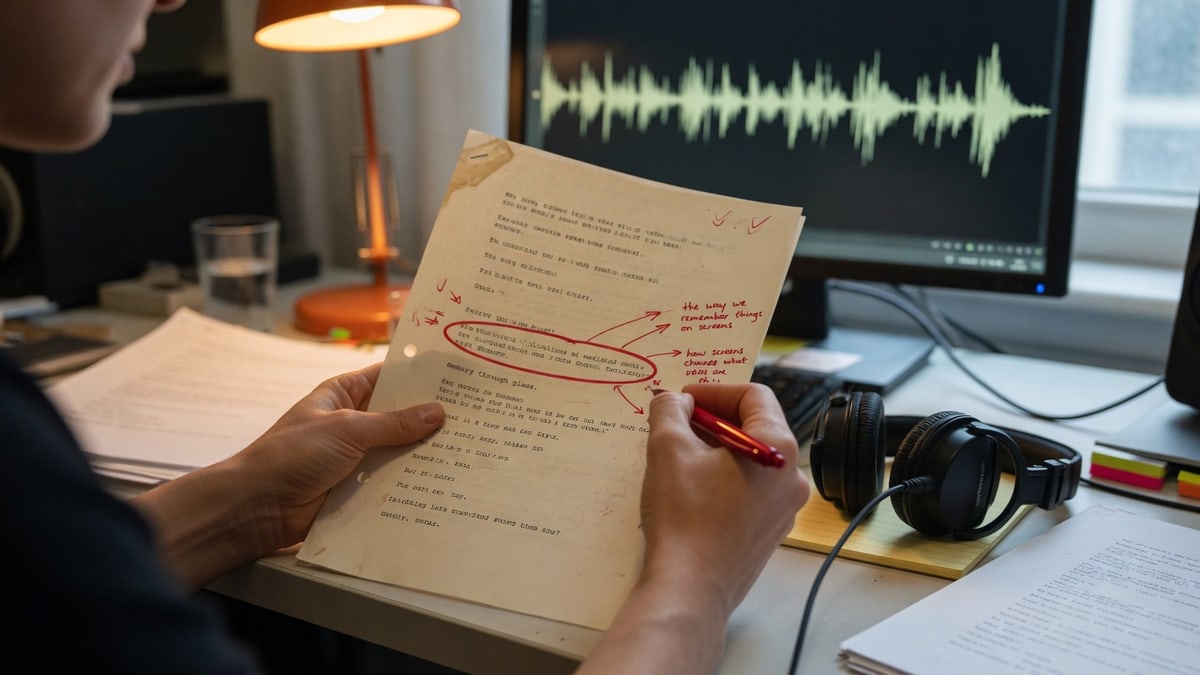
Step 3: Cast and generate with text to speech
Casting comes before rendering. Pick two or three public voices and give them the same hard line. Listen for fit against the picture, not for a generic idea of “quality.” A calm instructor voice can be excellent and still be wrong for a ten-second hook. An energetic read can be clear and still fight a serious product claim.
Stay inside a library you can actually reuse. Fish Voice lists 340+ public voices, with English and Japanese coverage called out in its product inventory, and the studio is built to audition a representative line before a longer render. That order saves credits. If no public voice fits, voice design can describe age, energy, and accent without cloning a real person. Private cloning is a later path, and only for a speaker you are allowed to use.
When you generate, keep the files small enough to replace. Scene-sized or paragraph-sized renders are easier to repair than a ten-minute mono file. Name them after the script blocks: 02-demo.mp3, not final_v7.mp3. If the tool offers pacing or emotion controls, change one variable at a time. A new voice plus a new speed plus a new mood makes it impossible to know what fixed the line.
Use the free constraints as a rehearsal, not as a verdict on the product. A 120-character cap forces the hard-line method. After sign-in, Fish Voice currently grants 15 welcome credits for those first renders. Paid plans raise the per-conversion cap, currently to 1,000 characters on the upgraded path, and add more credits for longer production. Check the live pricing page before you budget a series; the workflow does not depend on memorizing a plan name.
Do not generate the full script in one pass “to save time.” A single long render hides the one sentence that will make you throw the track away. It also makes a later legal tweak expensive. The point of an AI voice generator in this loop is partial replacement. Produce audio that can be swapped.
Step 4: Review the voiceover by ear and by transcript
Listen with the picture, then listen without it. With picture, you catch timing: a line that overruns a shot, a pause that leaves a logo hanging, a list that is still too fast for on-screen type. Without picture, you catch the voice: clipped consonants, a name that almost landed, a smile in the tone that does not match the sentence.
Then put the new audio back through Whisper AI. This second transcript is a quality check, not a new script. Compare it to the approved page. If the model that just spoke the line cannot be transcribed cleanly, viewers may not parse it either. Repeated misses on the same phrase usually mean the writing is overcrowded, the pronunciation is ambiguous, or the delivery is too fast. Rewrite that phrase. Do not only turn the speed down.
Replace the failed line only. That is why the files were split. If the close is fine and the demo is not, regenerate the demo. Keep the approved close. Continuity is easier to protect when most of the track is already accepted.
Watch for fluency that conceals error. Neural text to speech is good at sounding sure. It will smoothly mis-say a brand, invert a number, or choose the wrong expansion for an acronym. The second transcript is how you catch those. Your ear can get used to a wrong name after three listens. A text diff does not.
Step 5: Export captions, files, and a version record
Captions should come from the approved script, aligned to the new audio. Do not caption the second transcript. That file exists to find mistakes. Publishing it would lock those mistakes on screen.
If the original recording still appears in the video, you may need two caption passes: one for the remaining live speech, one for the generated narration. Keep them in the same timeline language. A viewer should not have to guess whether a subtitle is quoting a guest or reading the voiceover.
Export the voice files in the format your editor expects, usually MP3 for drafts and a higher-quality download when the cut is locked. Keep the dry voice separate from music. If you need an accessibility alternative to an article rather than a video mix, the same approved script can be rendered as a standalone track. In that case, still verify reading order against the page, as Fish Voice’s accessibility use case describes: the written source stays canonical.
Leave a version record. Note the script date, the voice name or private-model ID, the line that was used for casting, and the intended use. If a clone was involved, store the authorization with that record. Future you will not remember whether “Narrator A” was a public voice or a permitted instructor model.
Commercial use is not implied by a successful render. Fish Voice’s own terms and plan limits still apply, and you still need rights in the script, the images, the music, and any referenced identity. Generate, review, then check the current policy before you publish.
Failure modes that make AI voiceovers sound cheap
The most common failure is reading the meeting. Transcripts are full of scaffolding: “as I said,” “kind of,” “we can maybe,” stacked clauses, and jokes that needed the room. A generator will perform that scaffolding with a straight face. The result sounds like a robot attending a standup.
The second failure is packing. Teams try to recover every fact from a long recording, then wonder why the voiceover feels breathless. Spoken information has a budget. If a shot lasts four seconds, the line has to fit four seconds. Cut the claim, or cut the picture. Do not ask text to speech to talk faster than a viewer can read the label.
The third failure is a voice that ignores the frame. Age, accent, energy, and distance should match the image and the audience. A trailer voice on a payroll explainer is a mismatch. A whispered character voice on a safety lesson is a mismatch. Public libraries make this easy to audition and equally easy to ignore.
The fourth failure is one-file generation. A ten-minute render cannot be patched. One bad sentence, one updated price, one legal change, and the whole track is suspect. If you cannot replace a line without hearing a splice in identity or loudness, the take is not production-ready.
The fifth failure is identity theater. Public catalogs sometimes include distinctive or character-like profiles. Hearing a resemblance is not a license. Using it in a brand video can create publicity, trademark, or platform problems even if the technical clone checkbox was never ticked. Cast a voice that you can defend in writing.
Consent, cloning, and what should stay human
Voice is identity. A clone should be treated like a signature, not like a filter.
Fish Voice’s voice cloning path is explicit about this. You start with your own voice or a speaker who explicitly authorized the clone. You submit a right-to-use attestation. Uploading a file does not stand in for permission. The resulting model stays in the signed-in collection rather than in the public library. That is the correct default for this workflow.
A podcast guest, a YouTube commenter, a celebrity clip, or a coworker who “wouldn’t mind” is not a cleared source. If the project needs continuity with a real instructor or founder, get the authorization in writing, keep the reference recording, and test the clone on new sentences that the person never said. The last point is the point of a clone: future text. If you only need the original performance, use the original recording.
Some lines should stay human even when cloning is allowed. Legal disclaimers, medical claims, testimony, and any statement that could be mistaken for an official act by a real person are poor candidates for casual generation. A human can refuse a line, hedge, or insist on a rewrite. A model will say it.
Label AI-generated speech when the context requires it. Platform rules differ, and so do audience expectations. A fictional narrator in an explainer is different from a cloned executive reading a financial update. When in doubt, disclose, and keep the authorization file next to the export.
FAQ
Is an AI voice generator the same as text to speech?
Not exactly. Text to speech is the conversion of written words into audio. An AI voice generator is usually the product around that conversion: a voice library, cloning or design, controls for delivery, and file export. In this workflow you use both ideas at once. Speech to text creates the draft. Text to speech performs the approved script. The generator is the studio where that performance is cast and downloaded.
Should I transcribe the AI voiceover after generating it?
Yes, as a check. Run the new audio through Whisper AI and compare the result with the script you approved. Use mismatches to find rushed phrasing, bad pronunciation, or overcrowded sentences. Do not turn that second transcript into captions or into the next script unless you have edited it on purpose.
Can I clone a guest’s voice from a podcast interview?
Only if that person explicitly authorized the clone for the uses you have in mind. An interview recording is not consent. Fish Voice requires a right-to-use attestation before private cloning, and you still carry the responsibility for the identity you generate. If you need the guest’s actual answer, keep the original tape and caption it.
Do I generate captions from the original recording or from the new voiceover?
From the approved script, timed to whatever audio is in the final cut. If the video still includes live speech, caption that speech from a reviewed transcript of the original. If a section was replaced by generated narration, caption the script of that narration. Mixing the two sources without labels is how captions drift from the soundtrack.
When should I skip an AI voice generator and keep the original voice?
Keep the original when the speaker is the evidence, when you lack rights to a new identity, or when the performance depends on a human reaction you cannot specify in text. Use an AI voice generator when the meaning can move to a rewritten script and the original tape is only the source, not the deliverable.
Conclusion
A recording becomes a voiceover only after it becomes a script. Whisper AI speech to text gives you the words, the speakers, and the timing. An AI voice generator gives you a performance you can replace line by line. The quality lives in the rewrite, the hard-line audition, and the second transcript check.
If you want a next step that fits in one sitting, transcribe a short source in the speech to text workspace, rewrite one difficult sentence for the ear, and audition that sentence in a text to speech studio before you generate anything longer.